Turning On The Appliance
Starting a wash cycle...
Draw out the basket(see the section entitled "Loading the Dishwasher").
Pour in the detergent (see the sectionFill the detergent).
Insert the plug into the socket. The power supply is 120VAC 60H ,
Press the power button to turn on the appliance,
Connect the inlet hose to the tap, make sure that the water supply is turned on
to full pressure, or add water to the tank manually.
Select a suitable program according to the Wash cycle table;
If a program is selected, the response light will illuminate. Then press the Start/
Cancel button, the dishwasher begins to start.
-16
-
NOTE
When you press the Start/Cancel button to pause during washing, the
dishwasher will mooing every minute unless you press the Start/Cancel
button to start.
Change The Program
A wash cycle can only be changed if it has been running for a short time otherwise,
the detergent may have already been released and the dishwasher may have
already drained the wash water. If this is the case, the dishwasher needs to be reset
and the detergent dispenser must be refilled. To reset the dishwasher, follow the
instructions below:
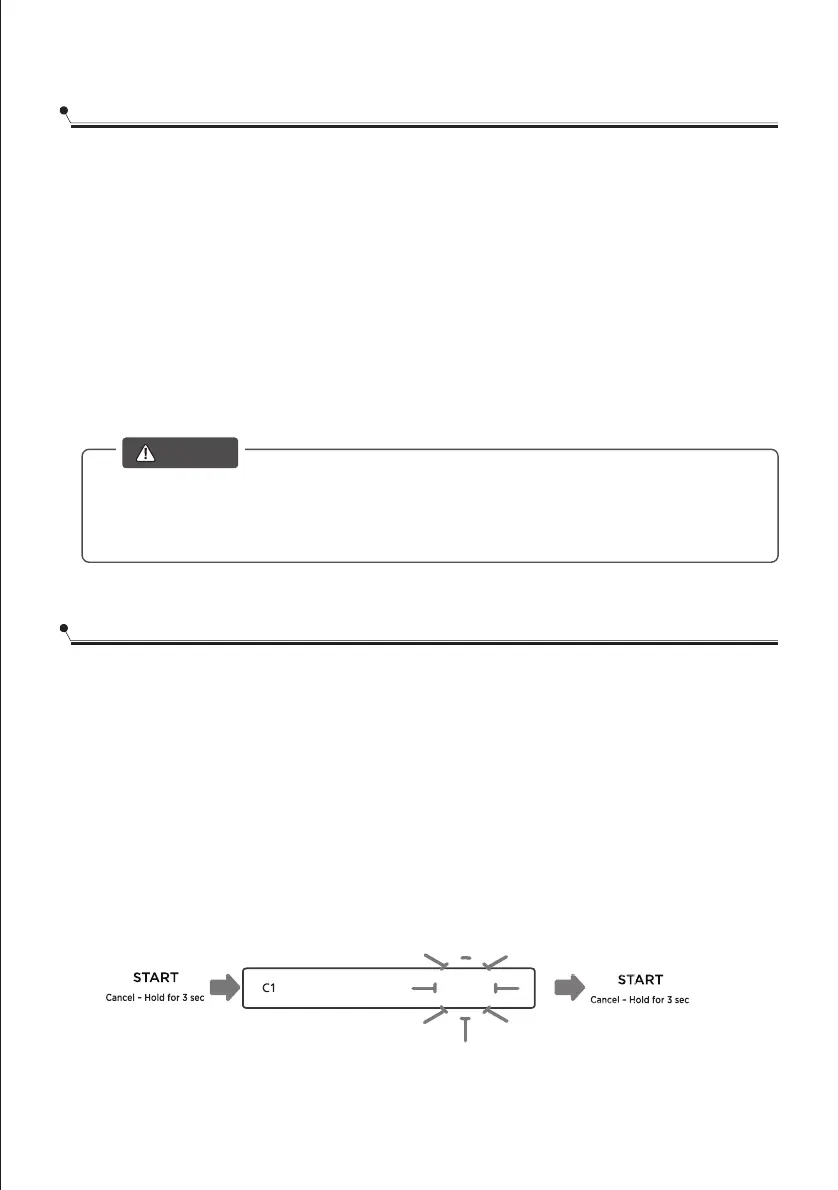
1. Press and hold Start/Cancel for more than 3 seconds,the machine will be in
stand by state.
2.
3. Press the Start/Cancel button, the dishwasher will start.
Press CYCLES button to select the desired program.
HYGINENE C2 GLASS C3 FRUIT
z



 To Next Page