14
TO SELECT THE OPERATING MODE:
To choose the operating mode, press the
Mode button. Each time you press the
button the unit cycles through the modes,
Auto, Cool, Dry, and Fan. The adjacent
indicator light will remain on once the
mode is selected.
The unit will automatically initiate the ECO
function under Cool, Dry, Auto (only Auto-
Cooling and Auto-Fan) modes.
To operate on AUTO mode:
• When you set the air conditioner to AUTO
mode, it will automatically select cooling
or fan only operation depending on what
temperature you have selected and the
current room temperature.
• The air conditioner will control room
temperature automatically according to
temperature you’ve set.
• The fan speed is automatically controlled
based on the temperature setting and
room temperature and cannot be adjusted.
To operate on Fan Only:
• Use this function when cooling is not
desired, such as for room air circulation or
to exhaust stale air (On some models,
remember to open the vent during this
function, but keep it closed during cooling
You can choose any fan speed you prefer.
• During this function, the display will show
the actual room temperature, not the set
temperature as in the cooling mode.
• In Fan Only mode, the temperature is not
adjusted.
To operate on DRY mode:
• In this mode, the air conditioner will
generally function as a dehumidifier. Since
the conditioned space is a closed or sealed
area, some degree of cooling will occur.
TIMER: AUTO START/STOP FEATURE:
Timer button. The TIMER ON indicator light
illuminates indicating the Auto Start
program has initiated.
• When the time of TIMER ON is displayed,
press the Timer button again. The TIMER
OFF indicator light illuminates. It indicates
the Auto Stop program has initiated.
• Press or hold the UP or DOWN button
to change the Auto time by 0.5 hour
increments, up to 10 hours, then at 1 hour
increments up to 24 hours. The control will
count down the time remaining until start.
• The selected time will register in 5 seconds,
and the system will automatically revert back
to display the previous temperature setting
or room temperature when the unit is on.
• Turning the unit ON or OFF at any time or
adjusting the timer setting to 0.0 will cancel
the Auto Start/Stop timed program.
• If setting ON 0.5 and OFF 1 at the same time,
the unit will be activated in 0.5 hour, operates
for 0.5 hour and then stops.
CONNECT FEATURE:
Press the CONNECT button for 3 seconds to
To use the Connect feature for the first time,
press the connect button for 3 seconds to turn
The display will flash AP every 3 seconds to
indicate it is ready to connect to smart.
If the connection is successful within 8 minutes
the unit will exit connect mode automatically and
the connect indicator illuminates.
If connection fails within 8 minutes, the unit
exits connect mode automatically.
NOTICE
During the network configuration process,
do not try using the remote control or
the controls on the front panel of the air
conditioner, as they will be inoperative. You
may use the remote control and front panel
buttons again after the network configuration
process is complete (usually 8 10 minutes).
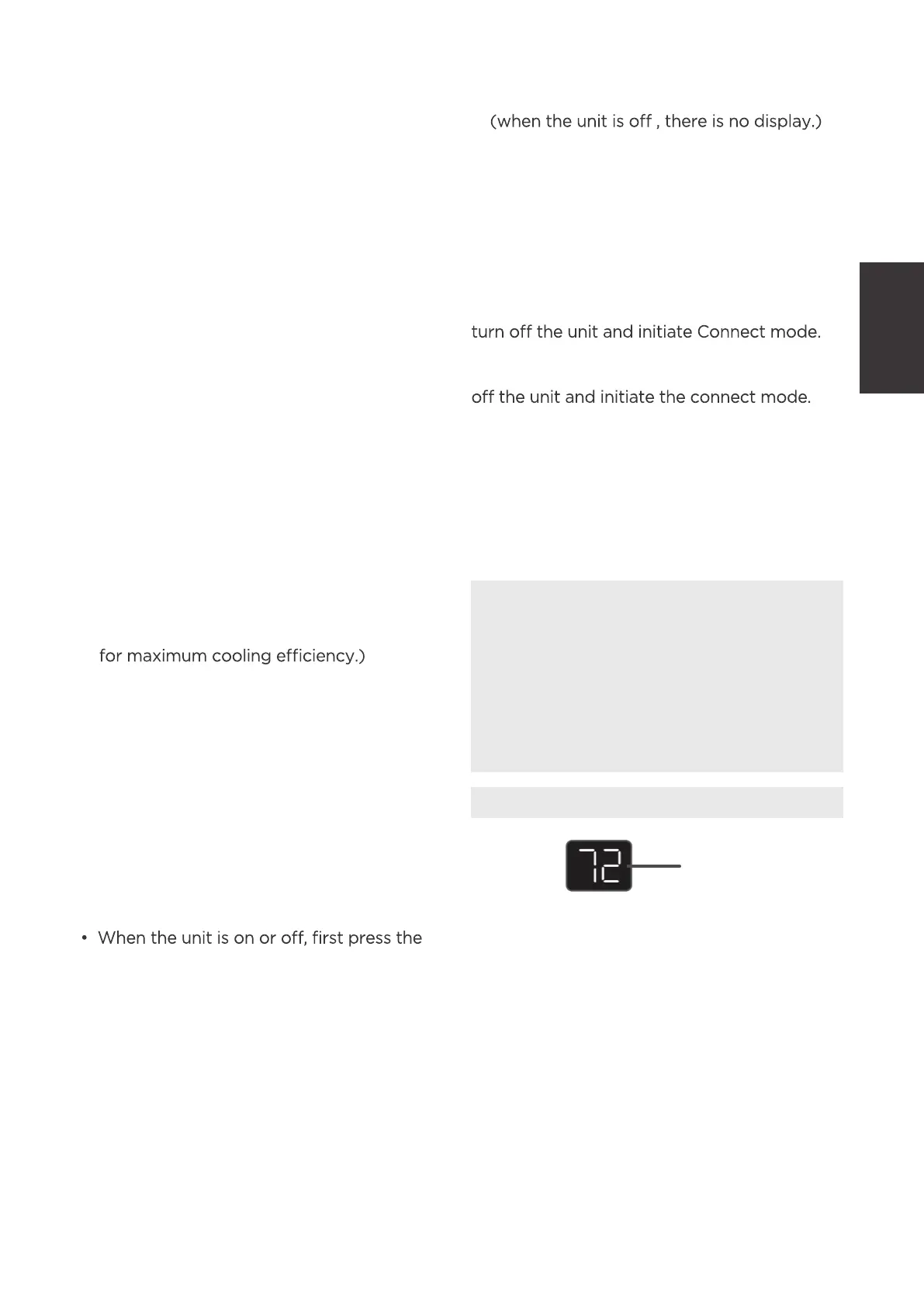
DISPLAYS:
Shows the set temperature in “°C” or “°F” and
the Auto-timer settings. While on Fan Only
mode, it shows the room temperature.
Error codes:
AS - Room temperature sensor error -
Unplug the unit and plug it back in.
If error repeats, call for service.
NOTE: In Fan Only mode, it will display
“LO” or “HI.”
ES - Evaporator temperature sensor error -
Unplug the unit and plug it back in.
If error repeats, call for service.
DISPLAYS
Display
Operating
Instructions



 To Next Page