EN-20
LEVEL POWER DISPLAY
5 50% PL5
4 40% PL4
3 30% PL3
2 20% PL2
1 10% PL1
2. CLOCK SETTING
When the microwave oven is plugged into an outlet, "0:00" will display.
a
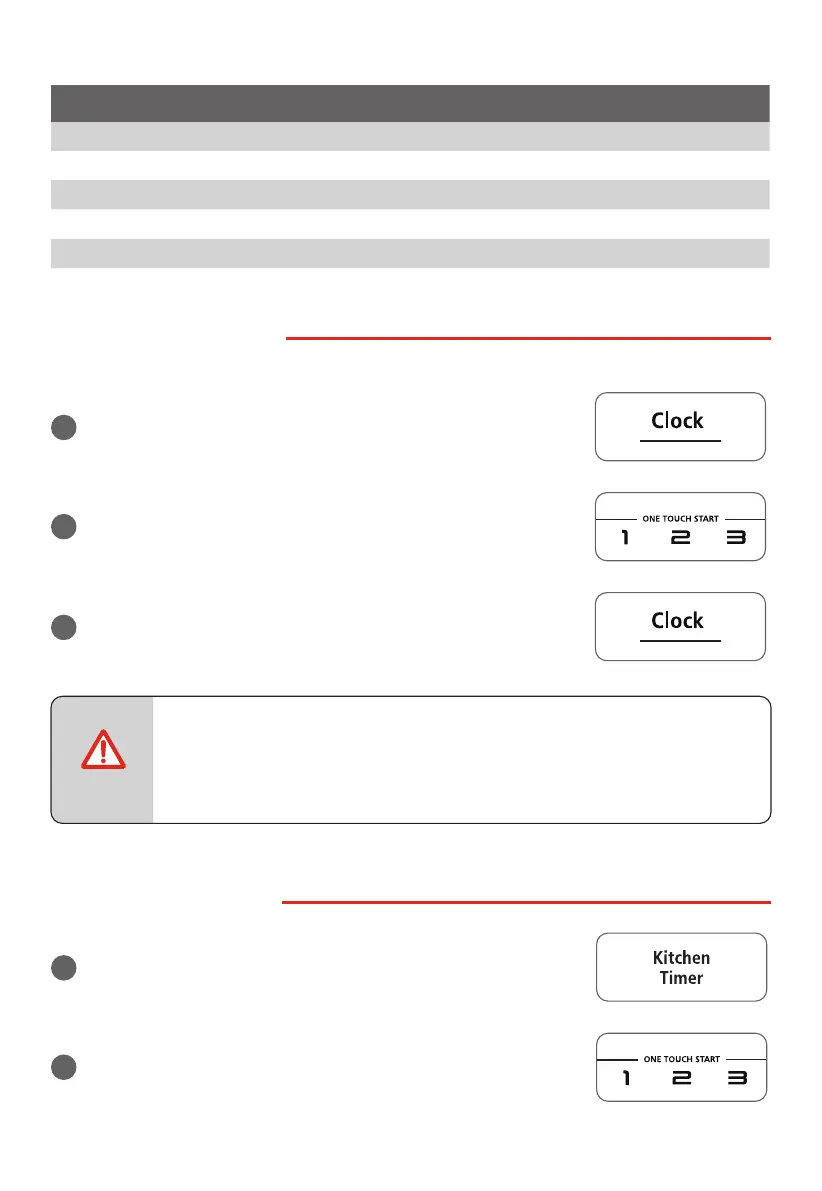
Press "Clock" once, "00:00" will appear in the display.
b
Press the number pads to enter the current clock time. For
example, if the time is now 10:12, press " 1, 0, 1, 2 " in order.
c
Press "Clock" to nish clock setting, " : " will ash and the
numbers will appear as a clock time in the display.
• If the numbers entered are not within the range between 1:00 to 12:59, the
setting will not be accepted until valid numbers are entered.
• In the process of setting clock, if the " STOP/Cancel " pad is pressed or if there
is no operation within 1 minute, the display will automatically return to the
previous clock setting.
3. KITCHEN TIMER
a
Press "Kitchen Timer" once, "00:00" will appear in the display.
b
Press the number pads to enter the time amount. The
maximum amount of time that can be entered is 99 minutes,
99 seconds.
NOTE



 To Next Page