8 | 18 - Instruction Guide 18 - Instruction Guide | 9
Emergency Channel
Shortly press EMG/CH key to choose CH9, the channel number flashes.
Shortly press EMG/CH key again to choose CH19, the channel number
flashes.
Shortly press EMG/CH key third time to return to the last channel in use.
Other functions of the MENU
To activate other functions in the menu, keep pressed the MENU key for
2 seconds.
• bL (backlight intensity adjustment). 3 levels available
• Ld (backlight colors). 7 colors available: light blue, blue (default), green,
cyan, red, purple and yellow.
Changing the frequency band
Switch o the radio, then press VOX-EMG/CH and MENU-AM/FM at
the same time and switch on the radio again.
The display shows the frequency currently in use (make reference to the
frequency chart).
To select the desired frequency band press the UP/DOWN buttons on
the mike or rotate the channel knob.
Turn o and on the radio again.
The display will show the selected band.
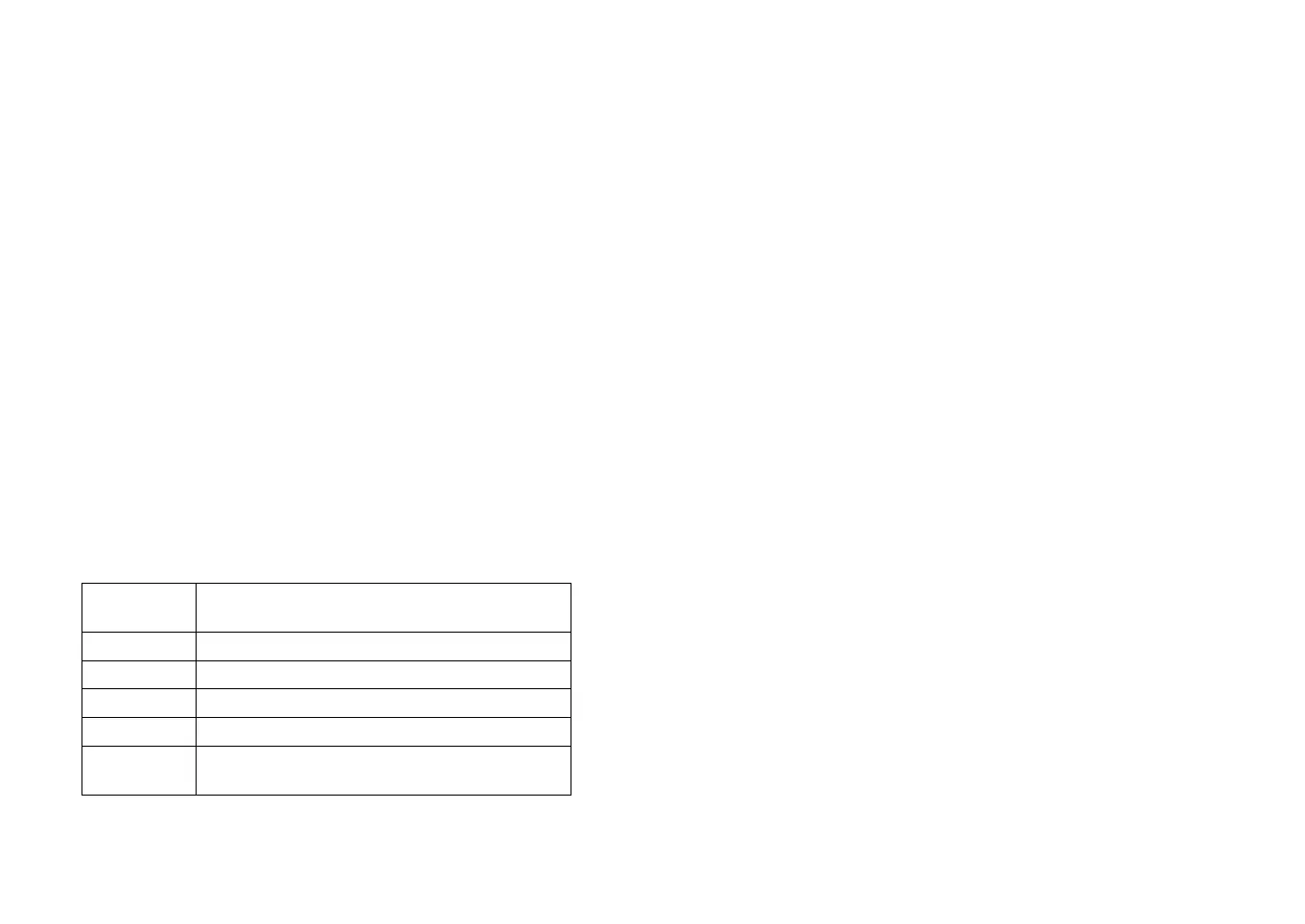
Frequency band chart
Digits displa-
yed
Country
I Italy 40 CH AM/FM 4 Watt
d Germany 80 CH FM 4 Watt / 40 CH AM 4 Watt
EC CEPT 40 CH FM 4 Watt
PL Poland 40 CH AM/FM 4 Watt
UI– England 40 CH FM 4 Watt English frequencies
+ I (Italy) 40 CH AM/FM 4 Watt
Note: The frequency band allowed all over Europe is 40 CH FM 4W (EC).
Note: in the UK band, to switch from UK to I or viceversa, keep pressed PTT
and MENU.
External Speaker
An external speaker (8 Ohm) can be connected to the 3.5mm mono so-
cket on the back of the radio. The built-in speaker automatically turns o
when a plug is inserted into this jack.
Restore factory default
Switch o the radio, keep pressed PTT and MENU key and then turn the
radio on, until the LCD displays “rt”.
All channel and function setting will resume factory default after above
operation.
After the reset is done, the radio operates on the EC band.


 To Next Page