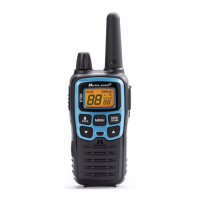
Model XT511A Series
Page 12
midlandusa.com
2. To receive a call, release the PTT button. The RX icon will appear
on the display when your radio is receiving a transmission.
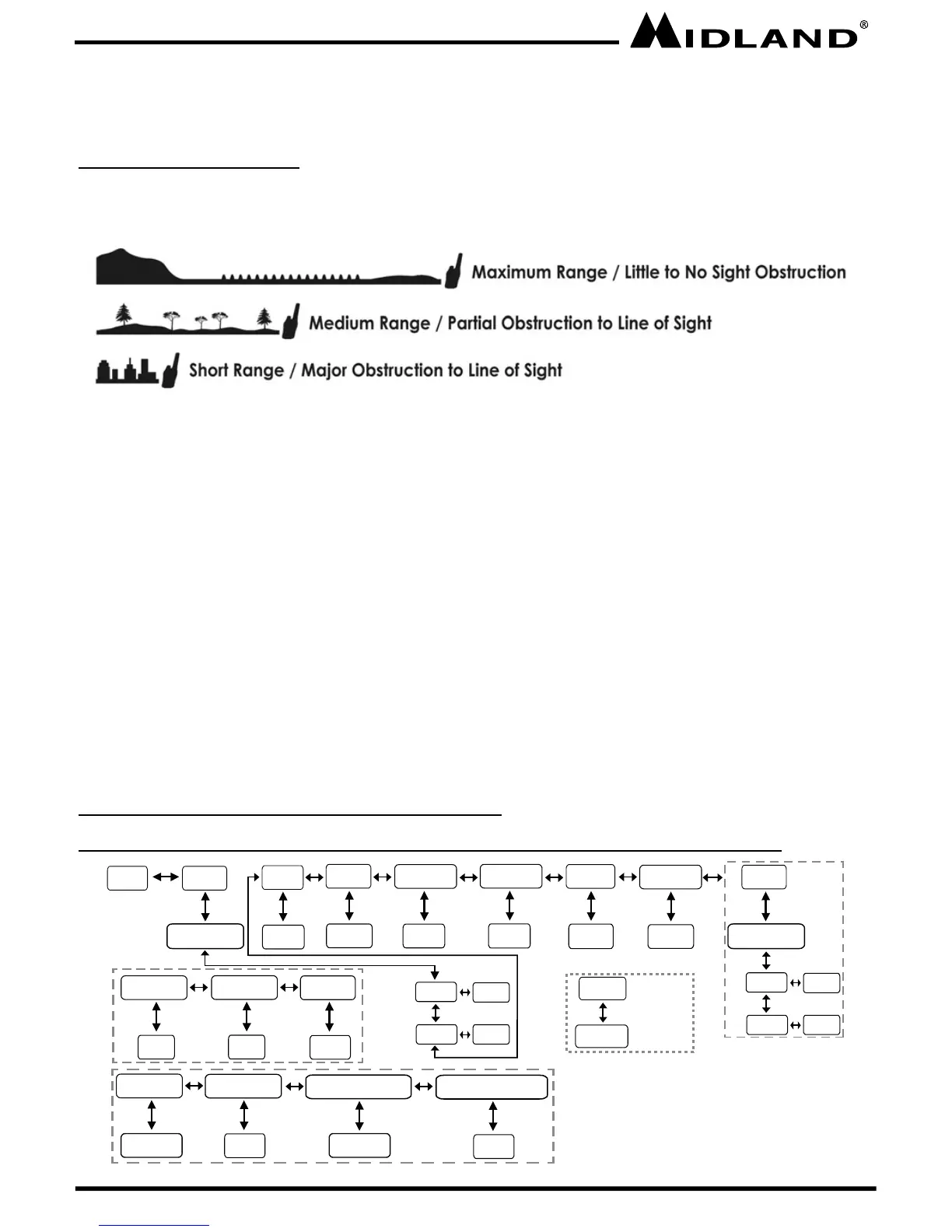
ABOUT RANGE
Your XT511A Series radios are designed to give you maximum range
under optimum conditions.
Optimum Conditions are:
l Over water
l Open rural areas without obstructions
l Flat areas where you can see the other person
To ensure you get maximum range:
l Be sure to use fresh or fully charged batteries - low batteries will
cause low power conditions
l Be sure you are on a GMRS channel - FRS channels are
restricted by the FCC to low power
l Be sure to set your radio to use Hi power.
l Be sure to point the ANTENNA upward.
MENU MODE FUNCTIONS
XT511A MENU MODE QUICK REFERENCE CHART
MENU
VOX
Privacy
Power
H/L
WX Channel
1~10
Call Alert
1~10
Roger Beep
On/Off
oF/1~9
CTCSS
DCS
1~38
1~83
Dual Watch
oF/1~22
WX Alert
On/Off
Silent Operation
On/Off
Privacy
CTCSS
DCS
1~38
1~83
Only when Dual Watch is ON
Hour Setting
12hr AM/PM
Minute Setting
0~59
Alarm Hour Setting
Alarm Minute Setting
0~59
Clock/Alarm Clock Function
12hr AM/PM
WX Scan
1~10
Press and hold
the MENU
button for 5
seconds
SOS
MENU
oF/CTCSS/DCS oF/CTCSS/DCS



 To Next Page