- 7 -
OVERVIEW
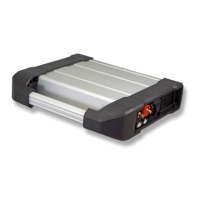
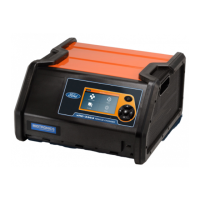
The inCHARGE
940
™
Diagnostic Conductance Charging Station (Model INC-940) integrates battery
conductance and load testing with charging. The inCHARGE940 safely and accurately tests and fast-
charges most fully discharged batteries in under 2.5 hours and most partially discharged batteries in
less than an hour. Simply connect the inCHARGE940 to the battery, select your test parameters and
press ENTER. Using Midtronics’ patented RTD
™
(Real Time Diagnostics) technology, the inCHARGE940
will continuously test and monitor the battery’s temperature, charging voltage, charging current, and
state of charge during the fast charging session. This real-time diagnostic evaluation prevents excessive
heat buildup, battery damage, and gassing common with other fast-charge methods.
With its comprehensive battery testing algorithm, the inCHARGE940 displays three battery decisions:
“Good Battery,” “Charging Required” (low state of charge), and “Replace Battery.” When charging is
required, the inCHARGE940 automatically starts charging the battery. After the charging session, the
inCHARGE940 displays a final result, “Good Battery” or “Replace Battery,” and generates a test code for
effective warranty management.
Safety features include reverse polarity detection/protection and automatic shut-off when charging
is complete or when an unsafe condition occurs. For more information on inCHARGE940 features
and specifications, see “Specifications.”
OPERATION
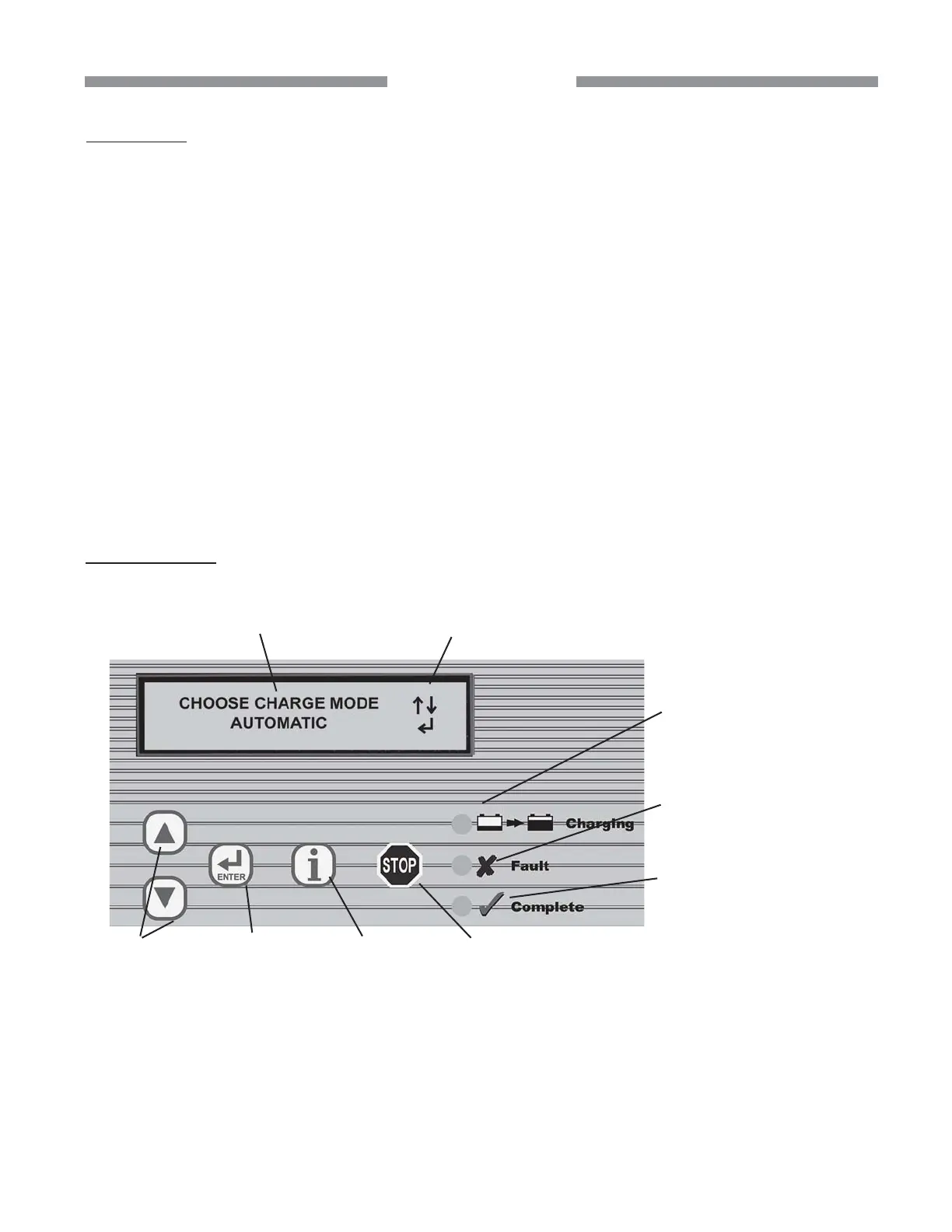
UP/DOWN
ARROWS: Press
to scroll options in
the display or
increase/
decrease
values. (Press
and hold to
rapidly scroll
values.)
FAULT LED (yellow):
Lights when charging is
interrupted by the
inCHARGE940 or user.
CHARGING LED (red):
Lights when charging.
COMPLETE LED (green):
Lights when charging cycle
is complete.
Typical LCD screen showing a required
step in the test process (first line) and an
option (second line).
Push button sequence (UP or DOWN ARROW
and ENTER) to scroll and select the option.
ENTER:
Press to select
the displayed
option and
continue to the
next step.
INFO:
Press to access
setup options,
print/view
results, and
generate a test
code.
STOP:
Press to abort
the setup or
charging cycle
and reset the
inCHARGE940.
FRONT PANEL



 To Next Page