Operation
22
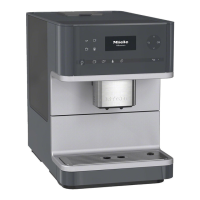
To operate the coffee machine, tap the
sensor buttons with your finger.
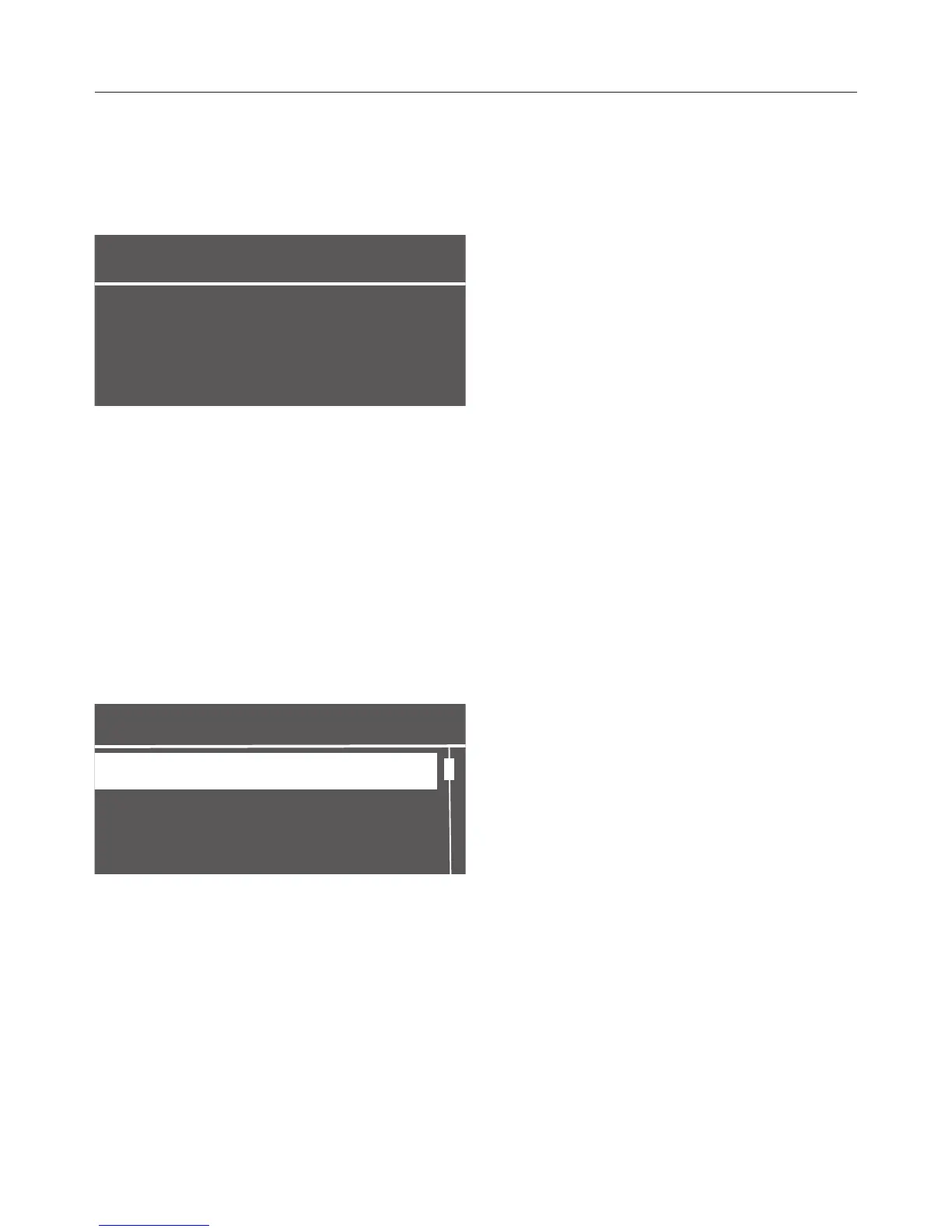
When the following appears in the
display you are in the drinks menu:
To make a coffee drink, tap one of the
drink buttons.
You can find more drinks in the
Additional programs menu.
Selecting a menu and
navigating within a menu
To select a menu, tap the relevant
button. You will then be able to start an
action or change settings in the menu.
Settings
Time
Timer
Language
A scroll bar at the right of the display
shows that additional options or text
are available. Use the arrow keys to
display them.
The setting which is currently selected
will have a checkmark beside it.
To select a setting use the arrow keys
until the setting you want is
highlighted.
To confirm the selection, tap OK.
Leaving the menu or canceling
an action
To exit the current menu, tap Back.



 To Next Page