Total coffee counter (INFO)
If the option "Info" is selected, the
display will show the number of cups of
coffee dispensed to date (espresso,
coffee, double espresso / coffee).
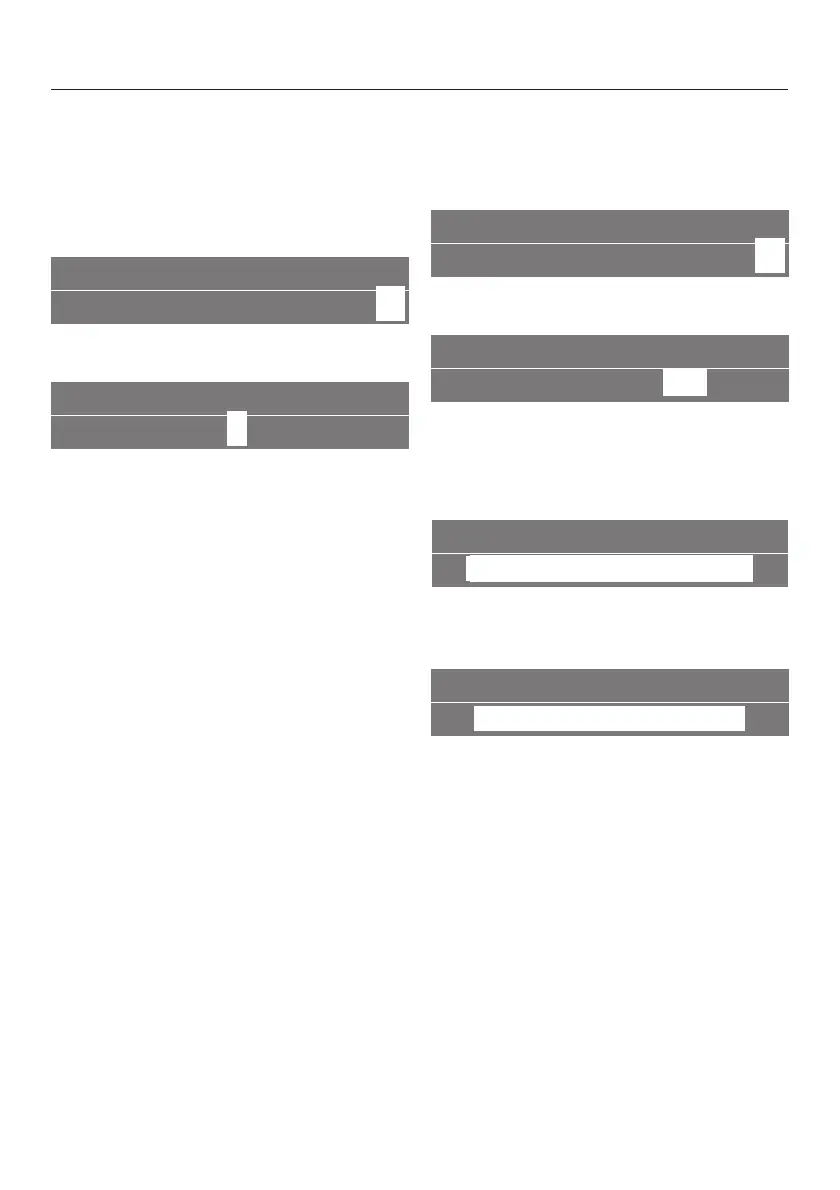
SETTINGS F
K12345 L on
G
k
C
^
Turn the left jog shuttle to "Settings".
INFO
F
Y
K n I
I
J Z
^ Turn the right jog shuttle to the "Info"
symbol, press to confirm.
The number of coffees already
dispensed will appear in the display.
^ Press the right jog shuttle to return to
the main screen of the display.
Factory setting
This option allows you to reset all saved
settings to the factory default.
SETTINGS F
K12345 L on
G
k
C
^
Turn the left jog shuttle to "Settings".
FACTORY DEFAULT
F
Y
K n I IJ
Z
^
Turn the right jog shuttle to the
"Factory default" symbol.
^ Press to confirm.
FACTORY DEFAULT
reset B
~
^ Turn the right jog shuttle to select
"reset".
FACTORY DEFAULT
back
A
^
Select "back" to go back to the
previous screen without changing the
settings in the memory.
^
Press to confirm.
Settings
35
www.dexpress.com Page 44 of 105 12/31/2010
www.dexpress.com Page 44 of 105 12/31/2010
CVA2650
CVA2650
Mfr Sup
Mfr Sup



 To Next Page