Settings
The following settings on the Ice/Water
dispenser can be adjusted:
Entering the settings mode
^
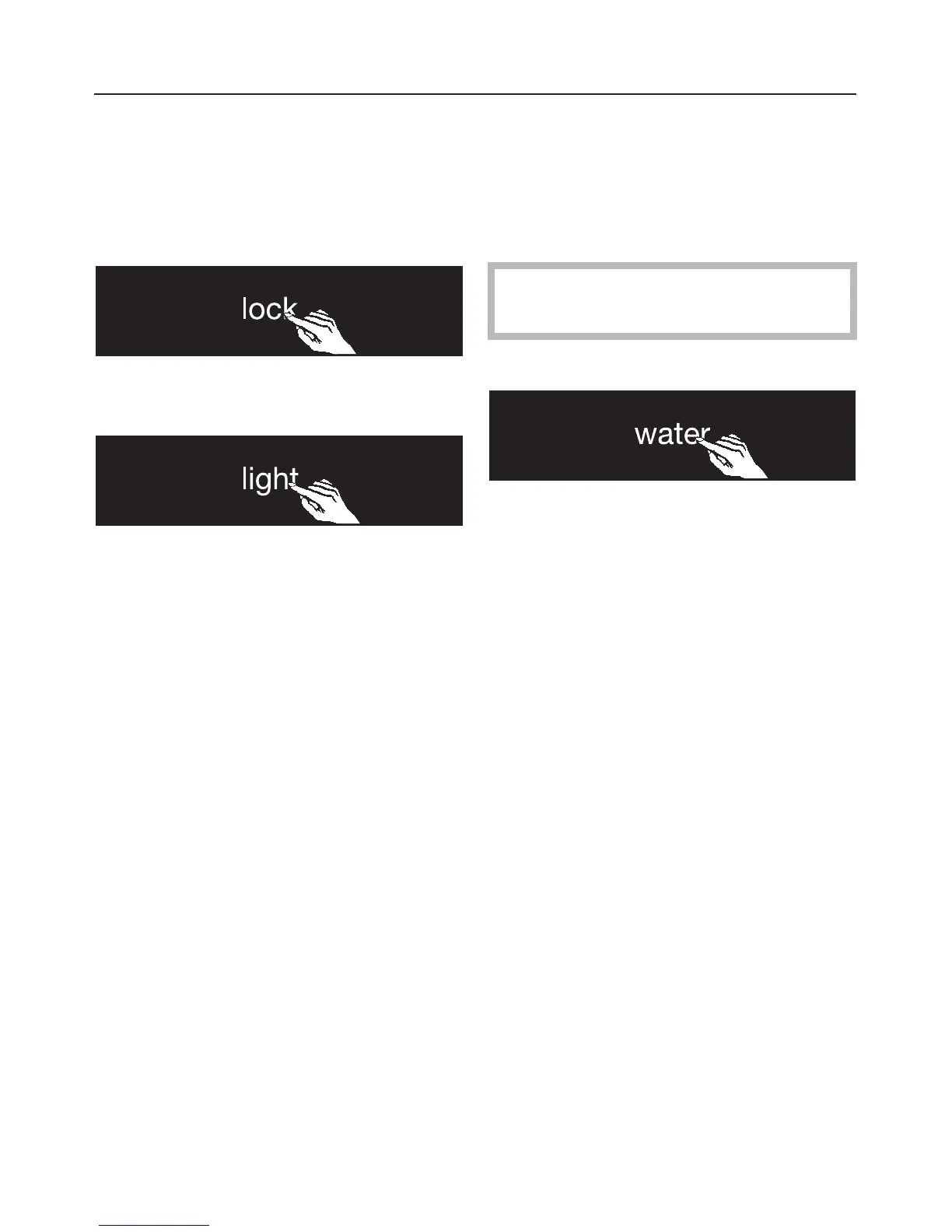
Touch and hold the "lock" button
(appears white).
^ At the same time tap the "light"
button.
^ Hold the "lock" button for approx. 4
seconds until the "lock" and "light"
buttons turn yellow.
The lighting color of other buttons
indicates their On/Off setting.
^
Release both buttons.
Anti-condensation heater
A heater behind the cover of the
Ice/Water dispenser ensures that frost
and ice do not build-up. To save
energy, you can turn the heater Off.
This feature is turned off by factory
default.
To turn the anti-condensation heater off:
^ Touch the "water" button until it turns
white.
Ice/Water Dispenser
26


 To Next Page