Re-setting the filter indicator
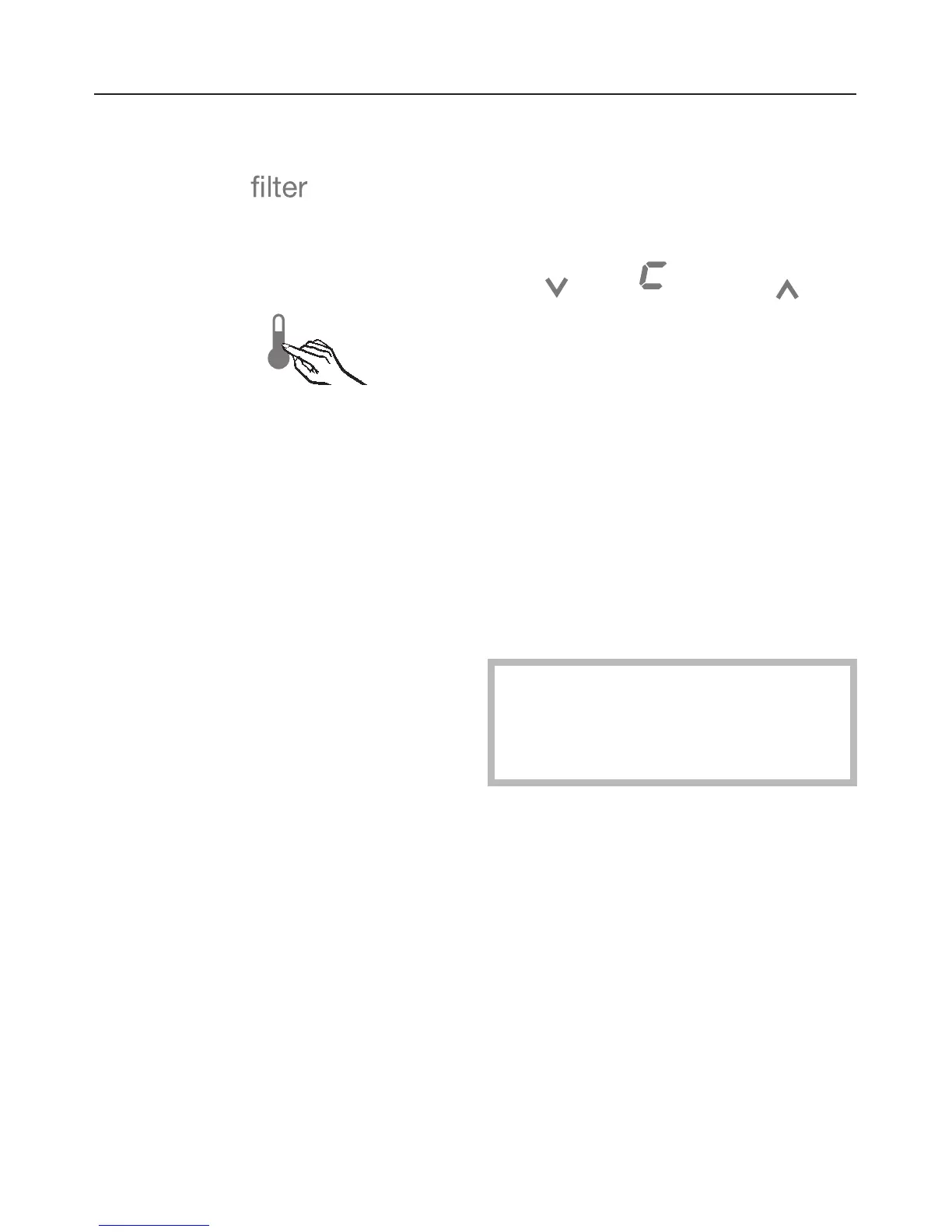
The filter indicator still flashes in the
display.
^
Touch the access button "p"soit
turns yellow.
^
Note the position of the button X, but
do not touch.
^ Touch the access button "p" again so
it turns white.
Only the access button "p" is visible.
^ Place one finger on the position of
the X button and hold (the X button
will not be visible).
^
While holding down the X button,
press the access button "p" once.
Keep holding the X button down until
the following appears in the display
(approx. 5 seconds).
^
Tap the X button until an ^ appears
in the display.
^
Touch the access button "p" again.
By touching the X button you can
select the following settings:
^0: filter is installed
^1: filter is not installed (external filter)
^2: filter change confirmed
^-: return to menu
^ Tap the X button until ^2appears in
the display.
^1should only be selected if an
external filter or bypass cartridge is
being used. See "Deactivating the
water filter".
^
Press and hold the access button "p"
for 2 seconds to confirm the filter
change.
The filter is now reset.
Water filter
38


 To Next Page