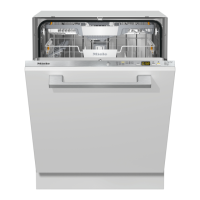
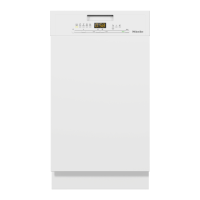
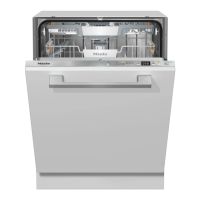
The "Settings J" menu allows you to adjust standard settings
Opening the Settings J menu
^
Turn the dishwasher on K.
The main menu shows in the display.
If the memory function is selected, the last selected program
is displayed. See "Settings J - Memory". Switch to the main
menu by pressing "Clear" U.
} Settings F
Main menu
r} Sensor Wash
^
Select "Settings J".
The display changes into the menu "Settings J".
} Language F
Language
r} Time of day
^ Select the menu option you would like to change.
Press the : button to see more information about the
option currently selected.
The selected options in the submenus are marked with a
check L.
Settings !
47



 To Next Page