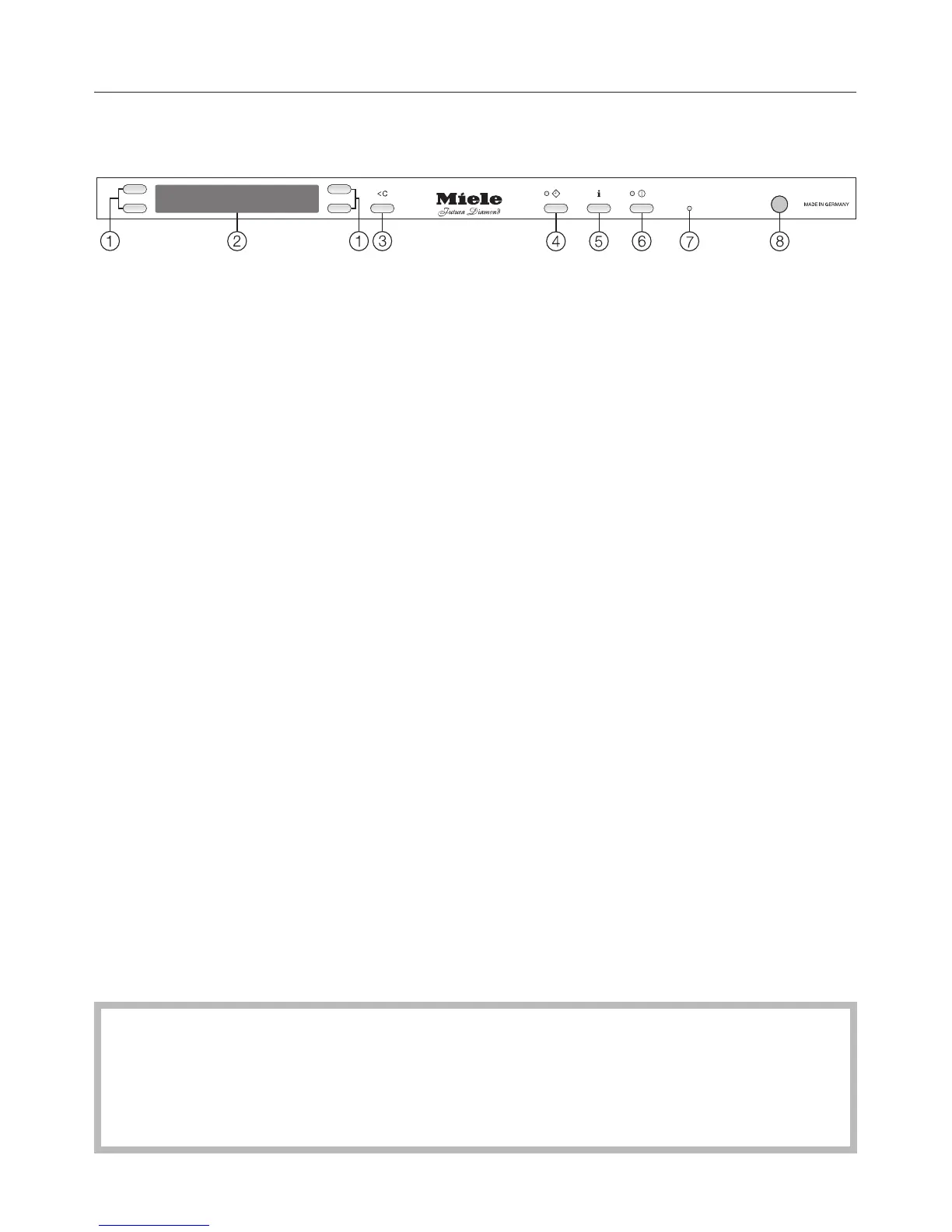
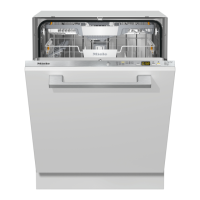
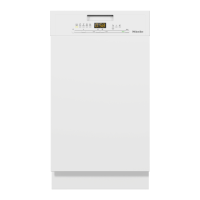
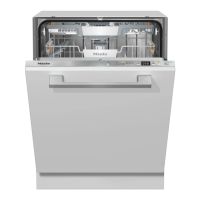
Control panel
a Selection buttons
To select a menu point from this
display, to change the displayed
value (+/-) or to browse between
menus.
b Display
See the following pages for more
information.
c U (Clear) button
To switch back to the previous menu
level or to discard a selected setting.
d d Delay Start button with indicator
e K button (Information)
To display more info about the
displayed menu
f K On/Off button with indicator
To turn the dishwasher on or off.
g Technical Service interface
Allows a service technician to check
and update the machine when
applicable.
h Optical interface
To show the current wash cycle
status when the door is closed
i RemoteVision
Indicator for RemoteVision enabled
appliances.
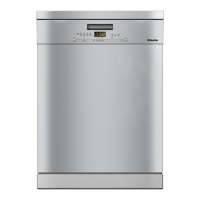
This operating instruction manual describes several dishwasher models with
different indicated settings.
The different dishwasher models are named :
Standard =32
1
/
16
" (81.5 cm) high dishwashers
XXL =33
11
/
16
" (85.5 cm) high dishwashers.
Guide to the dishwasher
9



 To Next Page