Guide to the appliance
17
Display functions
The display is used to select or set the
following:
– The programme
– The timer
– The Settings
The display can show the following:
– The programme stage
– The estimated time left for the pro-
gramme to run
– The energy and water consumption
(EcoFeedback)
– Any relevant fault messages and in-
formation
To save energy, the dishwasher
switches off after a few minutes if you
do not press any buttons during this
time.
Press the button to switch the dish-
washer back on.
The OKbutton is used to confirm mes-
sages or settings and also to move to
the next menu or another menu level.
Under Further programmes/settings,
a scroll bar will appear in the right of
the display. This offers further options.
These options can be shown using the
buttons.
You can alter the dishwasher’s controls
to suit changing requirements in the
Settings menu (see “Settings” chapter).
The option that is selected will have a
tick next to it.
To exit a sub-menu again, press the
Backbutton.
If you do not press any buttons for sev-
eral seconds, the display will revert to
the previous menu. You may then have
to enter your settings again.
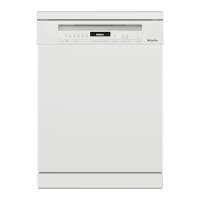
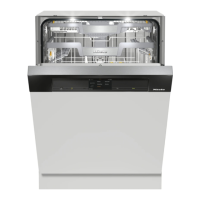
These operating instructions apply to
several different dishwasher models of
different heights.
The different dishwasher models will
be named as follows:
normal = dishwasher measuring
80.5cm high (built-in appliance)
or 84.5cm high (freestanding appli-
ance)
XXL = dishwasher measuring 84.5cm
high (built-in appliance).



 To Next Page