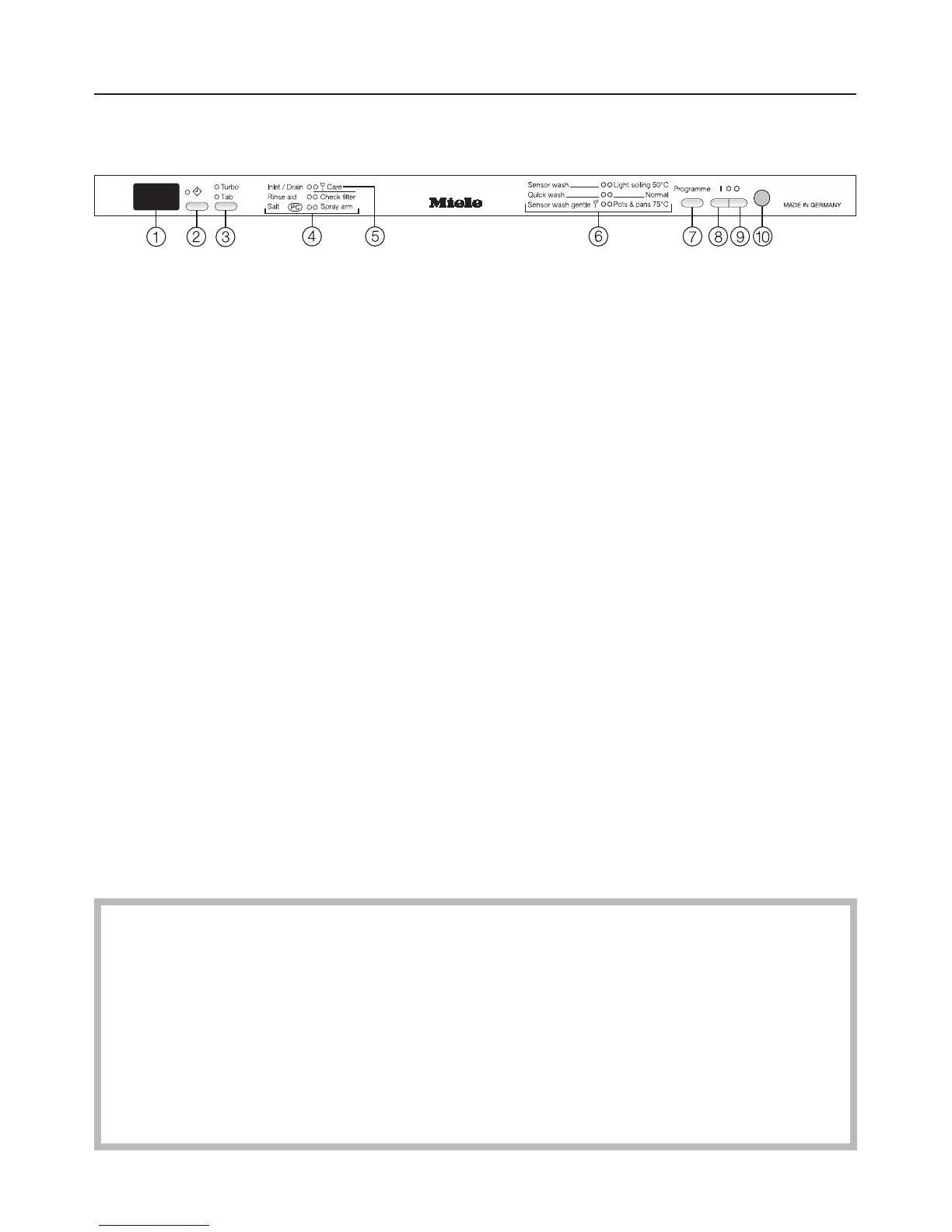
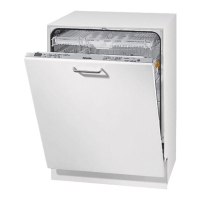
Control panel
a Time display
b Delay start button ,
with indicator light
c "Turbo/Combi tabs" button
d Check/Refill indicators
e Glass care indicator
f Programmes
g Programme selector button
h On button U with indicator light
i Off button V
j In-operation indicator light
This instruction book applies to several different dishwasher models.
The specific dishwasher models below are referred to as follows:
G 1574, G 1584 etc. = G 1XXX
G 2574, G 2584 etc. = G 2XXX
The model numbers G 1XXX and G 2XXX used in this book refer to the model
designation specified on the data plate of the appliance (and not the
description on the control panel).
The data plate is located at the top right hand side of the door.
Guide to the appliance
6



 To Next Page