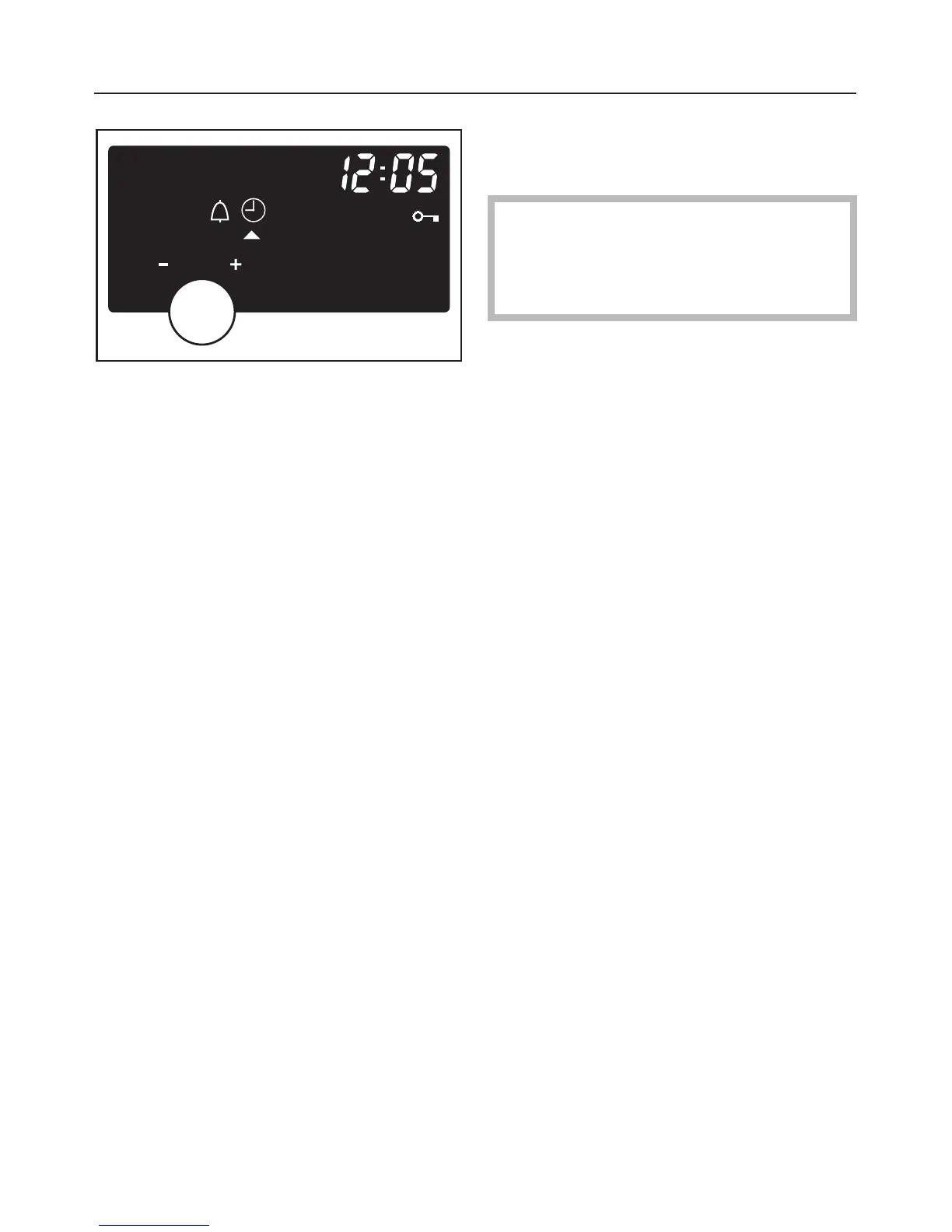
Temperatures, times and other
functions are controlled using two
rotary dials:
Entries made are shown in the display.
To change a setting on the oven:
^ Turn the programme selector to the
required position.
^ Then turn the multi-function
selector.
All functions which can be set or
changed will appear in the display.
^ Turn the programme selector
clockwise or anti-clockwise until
triangle V is underneath the required
symbol in the display.
^
Press the multi-function selector
gently.
The function is now selected and the
triangle V underneath required symbol
will start to flash.
^
Whilst the triangle V is flashing,
use the multi-function selector imme
-
diately to make any changes.
The triangle V will flash for appox. 5
seconds. If this input period has
elapsed you will have to re-select
the function.
^
Press the multi-function selector
gently.
This confirms your selection or any
changes you have made.
This principle applies whenever you
change a setting.
See "Altering the time of day" and
"Using the oven" for examples which
explain this principle in detail.
Note:
– Times entered are automatically
saved after a short period of time
without having to press the
multi-function selector.
–
Any changes to settings, however,
have to be confirmed by pressing the
multi-function selector.
Operating sequence
22



 To Next Page