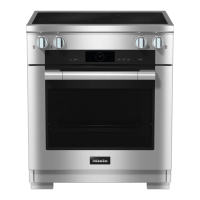
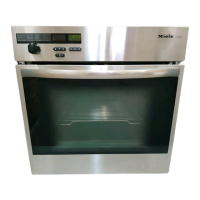
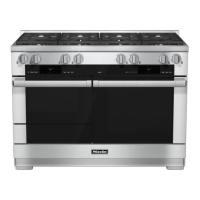
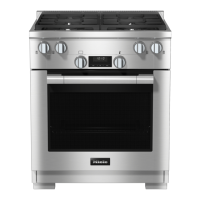
(features will vary depending on model)
The clock/timer can:
–
display the time of day,
–
be used as a minute minder,
–
switch cooking processes on and off
automatically,
–
be used to alter various settings P.
The clock/timer is operated via the
display and the V,OKandW buttons .
The functions available are indicated by
symbols.
Display
0
:
00
NTS + 0
Symbols in the display
Depending on the position of the
function selector V and/or whether a
button has been pressed, the following
symbols appear:
Symbol/function V
N Minute minder Any
T Duration
Function
S End of cooking duration
+ Time of day
0
P Setting
S Setting status
0 System lock
You can only set or change a function if
the function selector is in the correct
position.
Buttons
Button Use
V
–
To highlight a function
–
To reduce a duration
–
To call up settings P
–
To change the status S of a
setting P
W
–
To highlight a function
–
To increase a duration
–
To change the status S of a
setting P
OK
–
To confirm a function
– To save set durations and
altered settings
– To confirm set durations
Hours, minutes or seconds are set with
the V or W buttons in individual steps.
Holding the button pressed will speed
up the change in the display.
Clock/timer
40


 To Next Page