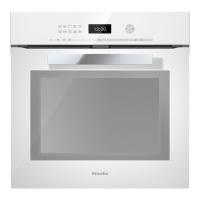
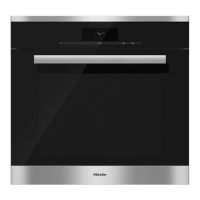
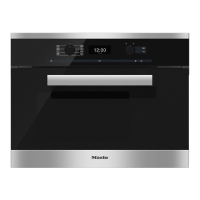
Rotary selector
Use the rotary selector V W to enter
temperatures and durations.
Turning it clockwise will increase the
values, and turning it anti-clockwise will
decrease them.
It can also be used to highlight a
function by moving the triangle V in
the display.
It can be turned clockwise or
anti-clockwise. It can be retracted in
any position by pressing it in.
Sensor controls
The OK, #, *, X, I and N sensors
react to touch. Each touch is confirmed
with a keypad tone.
This keypad tone can be switched off
by changing setting P3to Status S0
(see "Settings").
Oven controls
23



 To Next Page