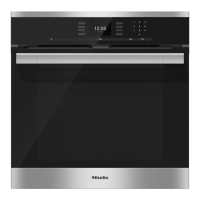
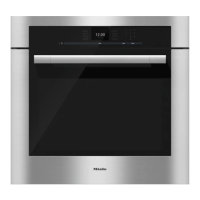
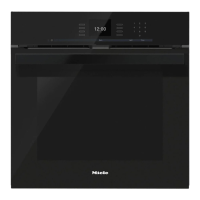
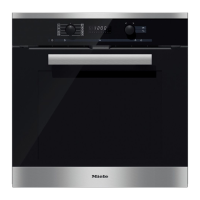
Display
The display is used for showing the time of day or information about functions,
temperatures, microwave power levels, cooking durations, automatic programmes
and settings. Information or a list of options is shown in the display depending on
the function selected.
After switching the oven on with the On/Off sensor K, the main menu will appear:
–
Functions
–
Automatic programmes
–
Special applications
–
User programmes
–
Settings !
If a cooking process is running, selecting "Change" will call up a list of options
which can be set or changed for the cooking process in progress.
– Temperature
– Power level
– Core temperature (only when using the food probe)
– Duration
– Ready at
– Start at (only if "Duration"/"Ready at" have been set)
– Heating-up phase (only for some functions)
– Crisp function (Moisture reduction)
– Change function
^
Touch the illuminated C sensor beside the option to select it.
^
Then call up the option, by touching the illuminated C sensor next to "OK".
Controls
27


 To Next Page