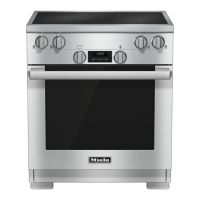
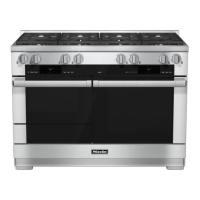
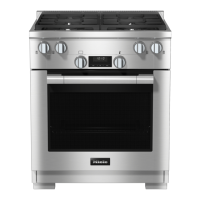
Control panel
24
Temperature selector
The temperature selector is used to
select the t
emperature for a cooking
mode.
It can be turned clockwise until a
r
esistance is felt and then turned back
again.
The temperature settings are marked on
the t
emperature selector.
Operating mode selector
To select an operating mode.
It can be turned clockwise or counter-
clockwise.
The operating modes are printed on the
mode selector.
Operating modes
– Rapid (Rapid PreHeat)
– Bake
– Broil
– Surround
– Clean (Self Clean)
– Conv Broil (Convection Broil)
– Conv Bake (Convection Bake)



 To Next Page