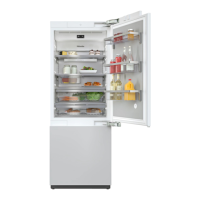
Guide to the appliance
49
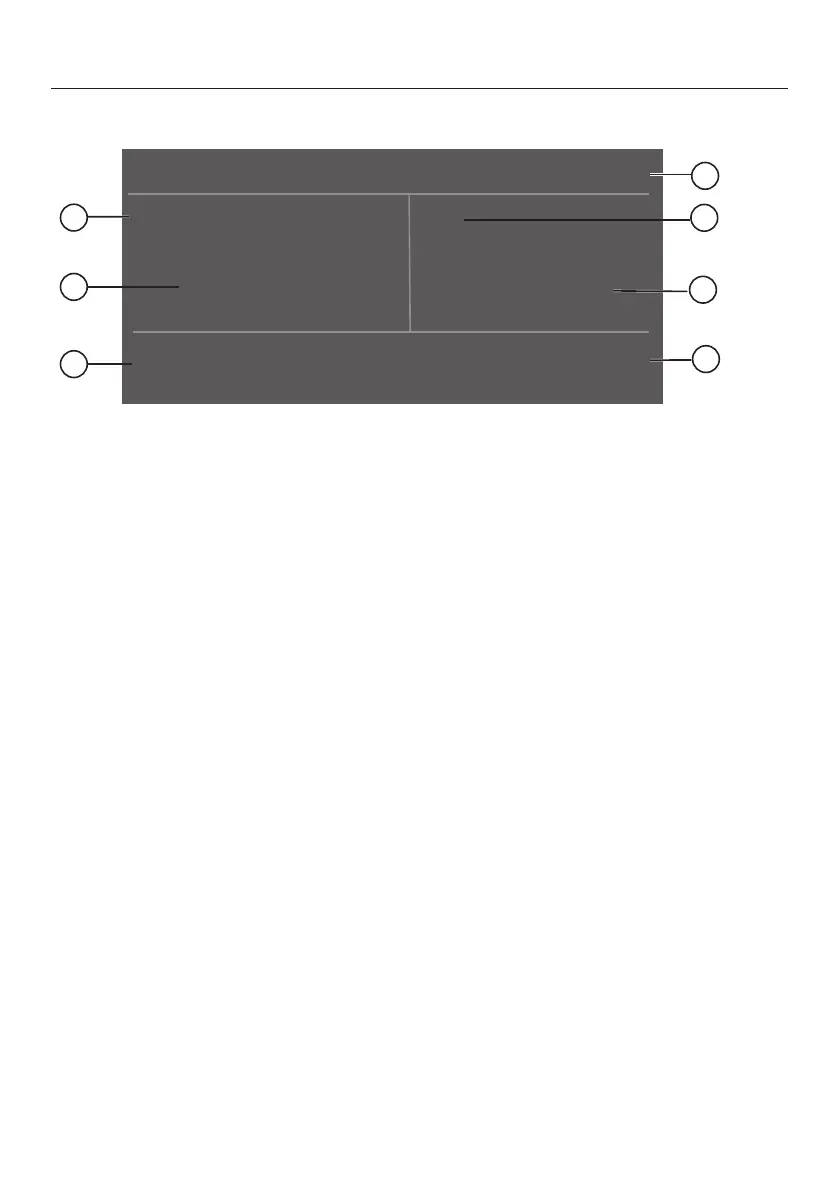
Main screen
a
Automatic SuperCool display
(only visible when the Automatic SuperCool function has been switched on)
b
Temperature display (target temperature) for the refrigerator section
c
Sensor control
for setting the temperature
d
Display for Miele@home connection status
(only visible when Miele@home has been set up)
e
SuperFrost display
(only visible when the SuperFrost function has been switched on)
f
Temperature display (target temperature) for the freezer section
g
Sensor control
for adjusting various settings in settings mode



 To Next Page