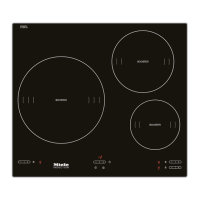
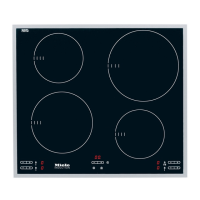
Switching on an extended area
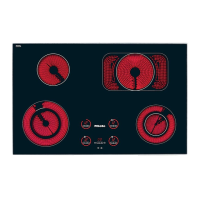
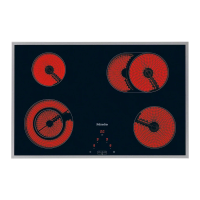
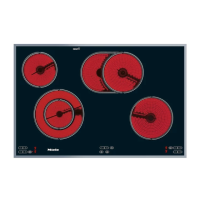
Depending on the model of hob, the
outer circle of a double circle zone or
the extended cooking zone can be
switched on to provide an extended
cooking area when cooking with larger
pans.
^
Switch the zone on by pressing the -
or + sensor, and select a power
setting.
^
Then press the sensor for the outer
circle of the double circle zone or the
extended cooking zone n.
If a 0 is showing in the cooking zone
display, you can touch the n sensor
first and then choose a power setting.
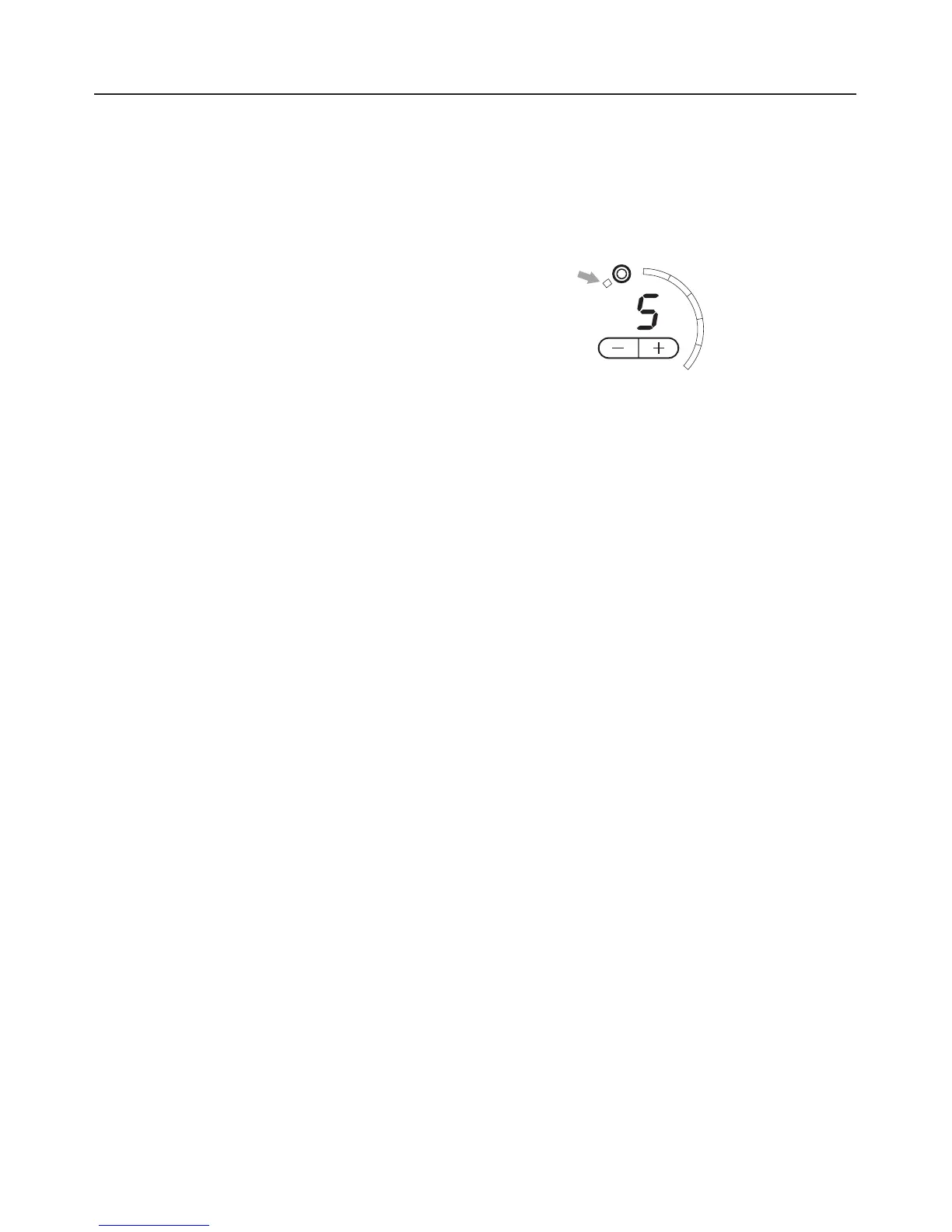
A short bar will appear in the top left of
the light ring to indicate that the outer
circle/extended cooking zone has been
switched on (see arrow).
To switch the outer circle or extended
cooking zone off, touch the n sensor
again or set the display for the zone
back to 0.
Operation
22



 To Next Page