Operation
47
Setting the
dispensing
concentration
For information about setting the dispensing concentration, see
“Additional settings/Additional functions/Dispensing systems”.
Refilling or
changing
containers
The dispensing module is equipped with a level monitoring indicator
which shows a message in the display when the level drops below
the minimum.
As soon as the message appears in the display, refill or replace the
container with a full one containing the appropriate process
chemical at the end of the programme.
Confirm the message shown with the OKbutton.
Replace the container in good time to prevent the dispensing
system being emptied completely.
Vent an empty dispensing system before starting the next
programme.
Place the container on the open dishwasher door or on a surface
which is easy to clean.
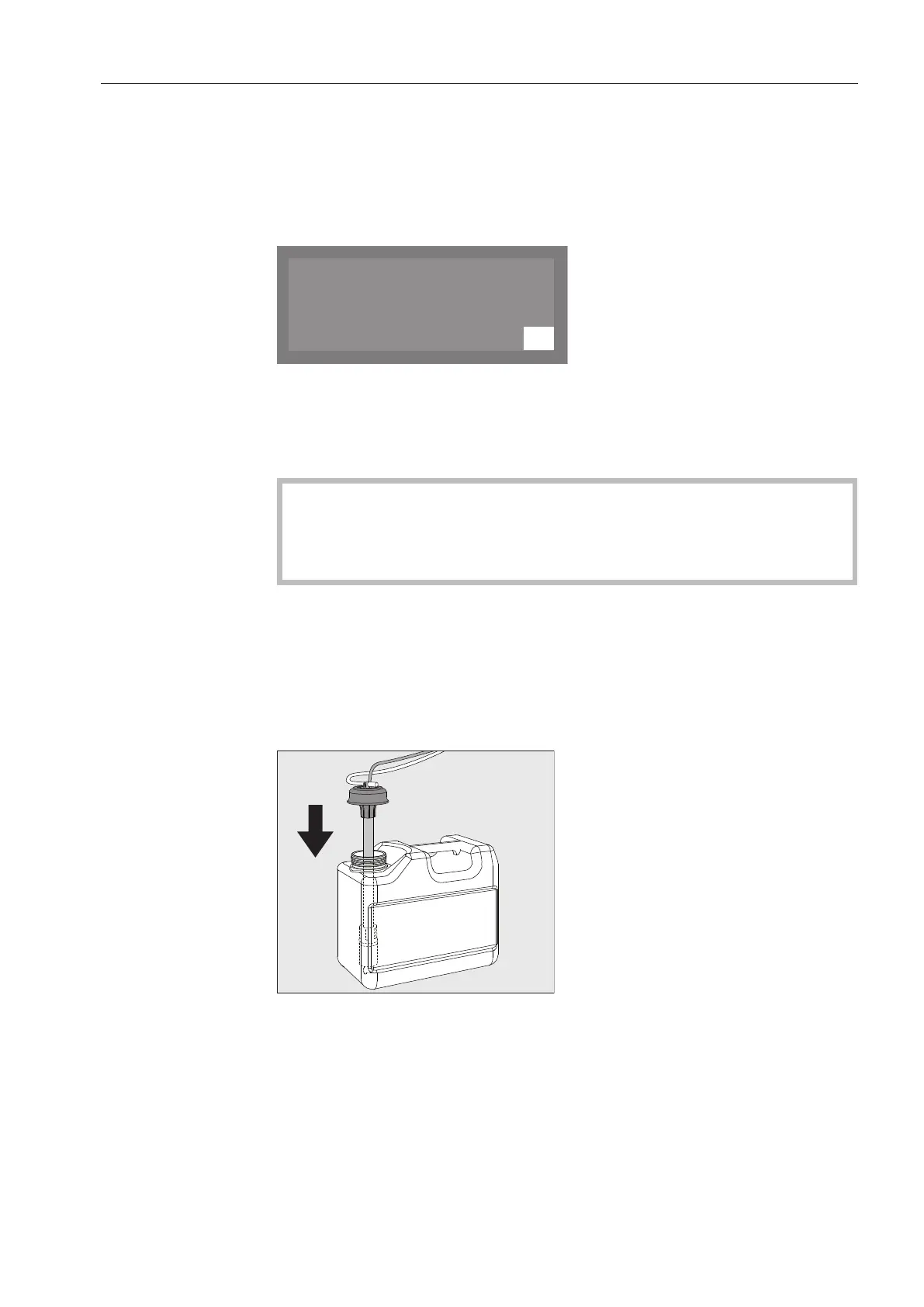
Take the lid off the canister and remove the siphon. Place the
siphon on the open dishwasher door.
Fill or replace the container, fit the siphon and secure the lid.
Observe the colour coding.
Feed the siphon into the canister until it reaches the bottom.
Wipe up any spilled process chemical thoroughly.
Place the container on the floor beside the commercial dishwasher
or in an adjacent cabinet. The container must be at the same level
as the machine and not be placed on top of or above the machine.
The dispensing system must then be vented.



 To Next Page