Commissioning
23
Water
connections
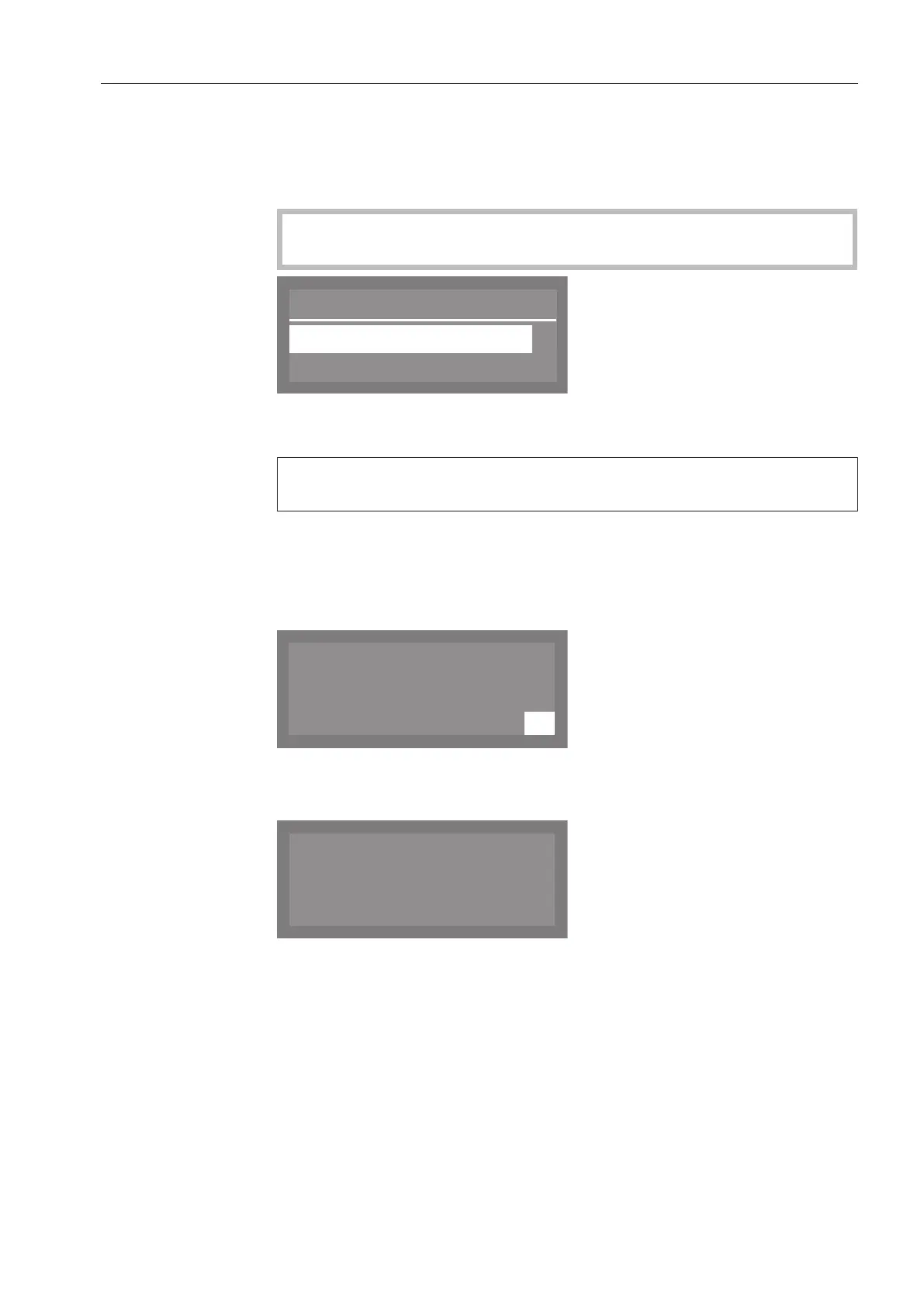
The display will then change to the screen for setting the water con-
nection.
This setting can be disabled if it is not possible to connect the dish-
washer to all available water connections.
If individual water connections are disabled, they can only be en-
abled again by Miele Service.
Plumbing connections
Accept
Cold water
,
;
9
Use the and arrow buttons to select the water connections
which are not in use, and confirm your choice with the OKbutton.
The checkmark will be removed from the box and the water
connection is then disabled.
Select Accept to save your choice, and confirm your setting with
the OKbutton.
Commissioning
completed
Commissioning is successfully completed and the following message
will appear in the display.
Press the OK button.
The dishwasher is now ready for use.
The start screen is displayed for 3 seconds.
Then the first shortcut button program will appear in the display.



 To Next Page