Additional settings
77
Entering the
PIN code
If you have selected the Block option in the Release menu, or if ac-
cess to the Additional settings menu is already protected by a PIN
code, you must enter a PIN code.
Settings within the Additional settings menu can then only be changed
by users with system administrator rights.
The factory default setting for the PIN code is 8 0 0 0 if access to the
Additional settings is blocked.
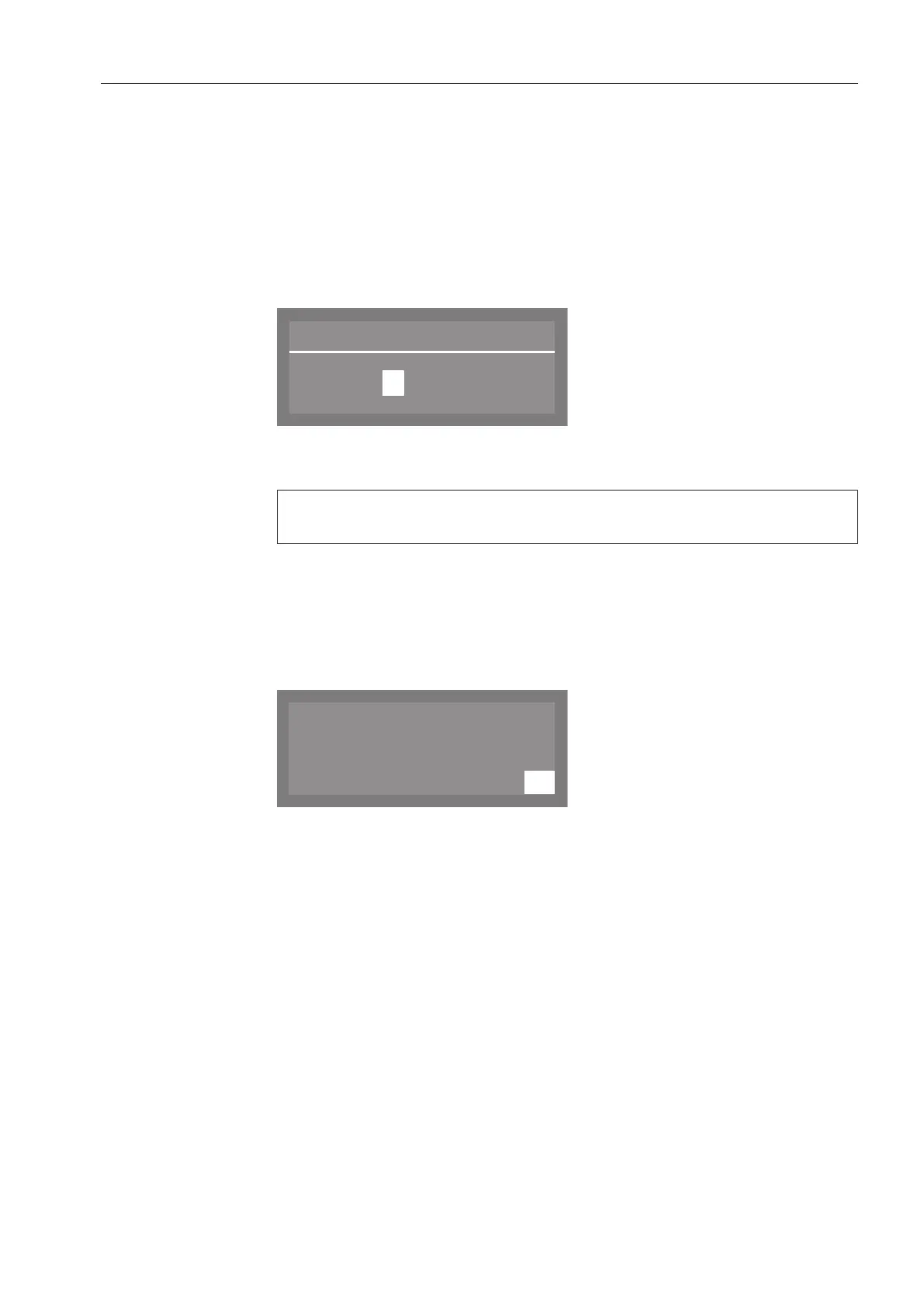
The following PIN-entry screen will appear in the display, for example:
Use the and arrow buttons to enter the numerical values, and
confirm each entry with the OKbutton.
If the OKbutton is pressed, the cursor automatically moves to the
next available input field.
Each entered digit is replaced by an asterisk (*).
The protected settings are unlocked once all digits have been cor-
rectly entered.
If an incorrect PIN code is entered, the following message will appear
in the display:
Press the OKbutton to acknowledge the message.
The display will then revert to the input menu.



 To Next Page