Switching the vacuum cleaner
on and off
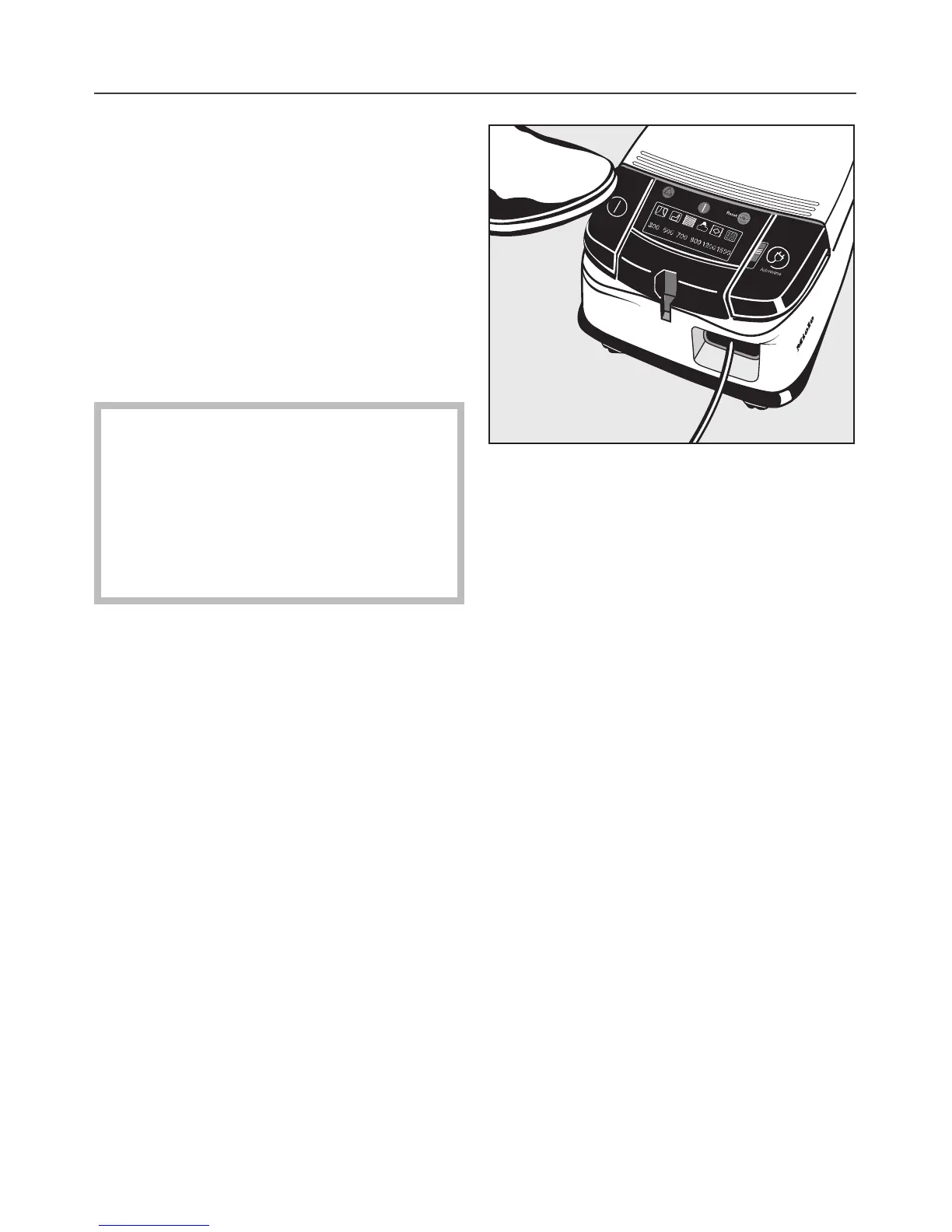
To switch the vacuum cleaner on:
^
Press the On-Off switch.
The Stand-by indicator light comes on
to show that the vacuum cleaner is
ready for use.
To switch the vacuum cleaner off:
^
Press the On-Off switch again.
The Stand-by light goes out.
,
Switch the vacuum cleaner off
with the On-Off switch before open
-
ing the dust compartment lid. Other-
wise the vacuum cleaner will auto-
matically switch on when the lid is
opened (this enables the blower fa-
cility to work).
Vacuuming
When vacuuming, especially fine dust,
e.g. sawdust, sand, plaster, flour, tal-
cum powder etc., electrostatic charges
build up naturally. Under certain condi
-
tions these charges will be released. To
avoid the unpleasant effects of these
electrostatic discharges a metal inlay
has been incorporated into the under
-
side of the handle.
^
Please make sure that you keep your
hand in constant contact with this
metal strip during vacuuming. This
way any build-up of electrostatic
charge will be rendered ineffective.
^
When vacuuming pull the cleaner be
-
hind you on its castor wheels. You
can stand it upright for vacuuming
stairs and curtains etc.
Use
19



 To Next Page