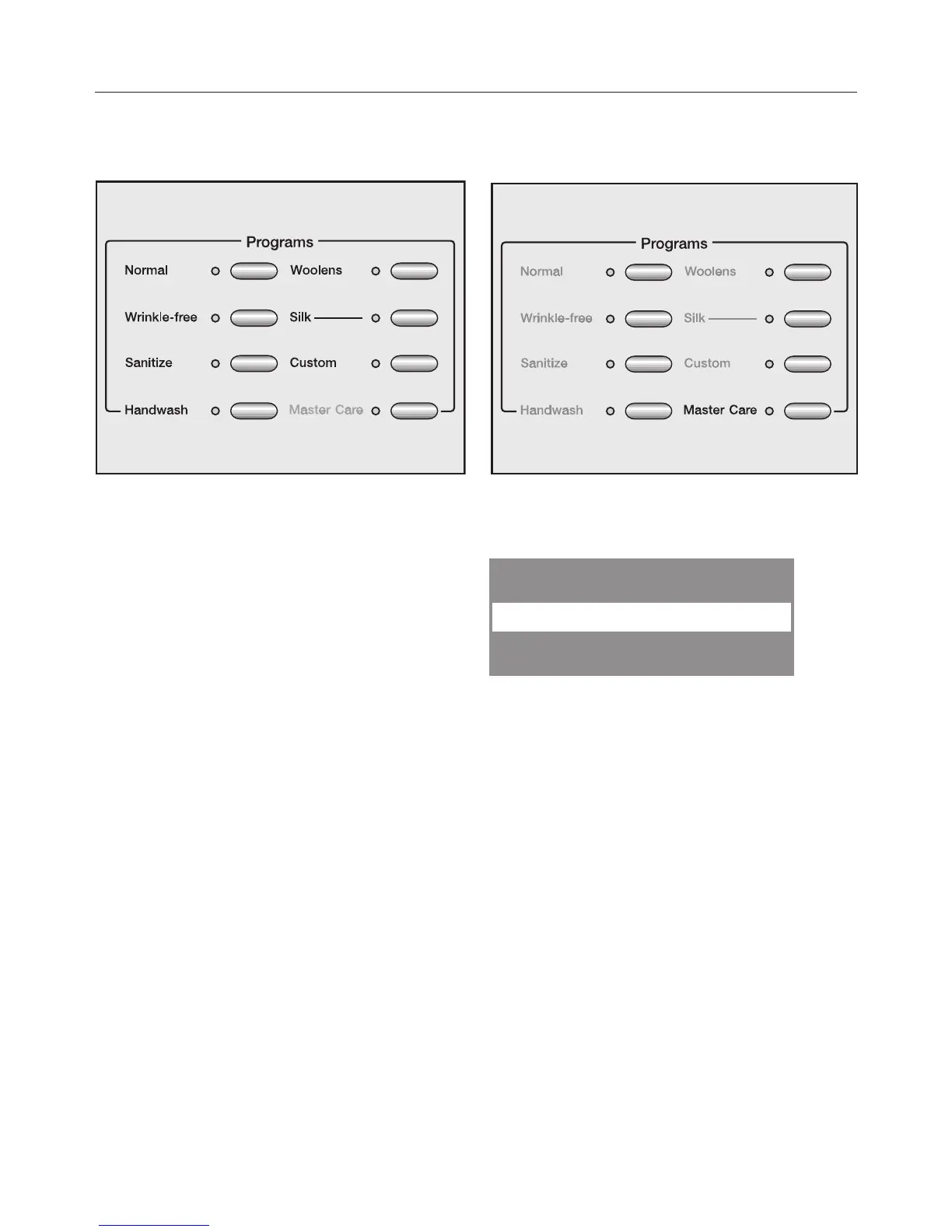
3. Select a program
13
A. Program selection using
program buttons
Press the button to select the desired
washing program.
The relevant indicator light will light up.
B. Program selection via the
MasterCare button
Press the MasterCare button.
The following appears in the display:
With the left button , page down
through the selection list.
The desired program is on the display:
Confirm the program with the right
button OK.


 To Next Page