Guide to the washer
9
Display function
The display allows you to operate and
select various functions of the washer.
Selection and display of program
settings
– Temperature selection
– Spin speed selection
– Delay start
– Display of an approximate program
running time
Program selection using the display
By pressing the MasterCare button, you
can select from the following programs:
– Extra White
– Delicates
– Denim / Jeans
– Dress shirts
– Pillows
– Outerwear
– Table linens
– Beach towels
– Express
– Drain / Spin
– Quick rinse
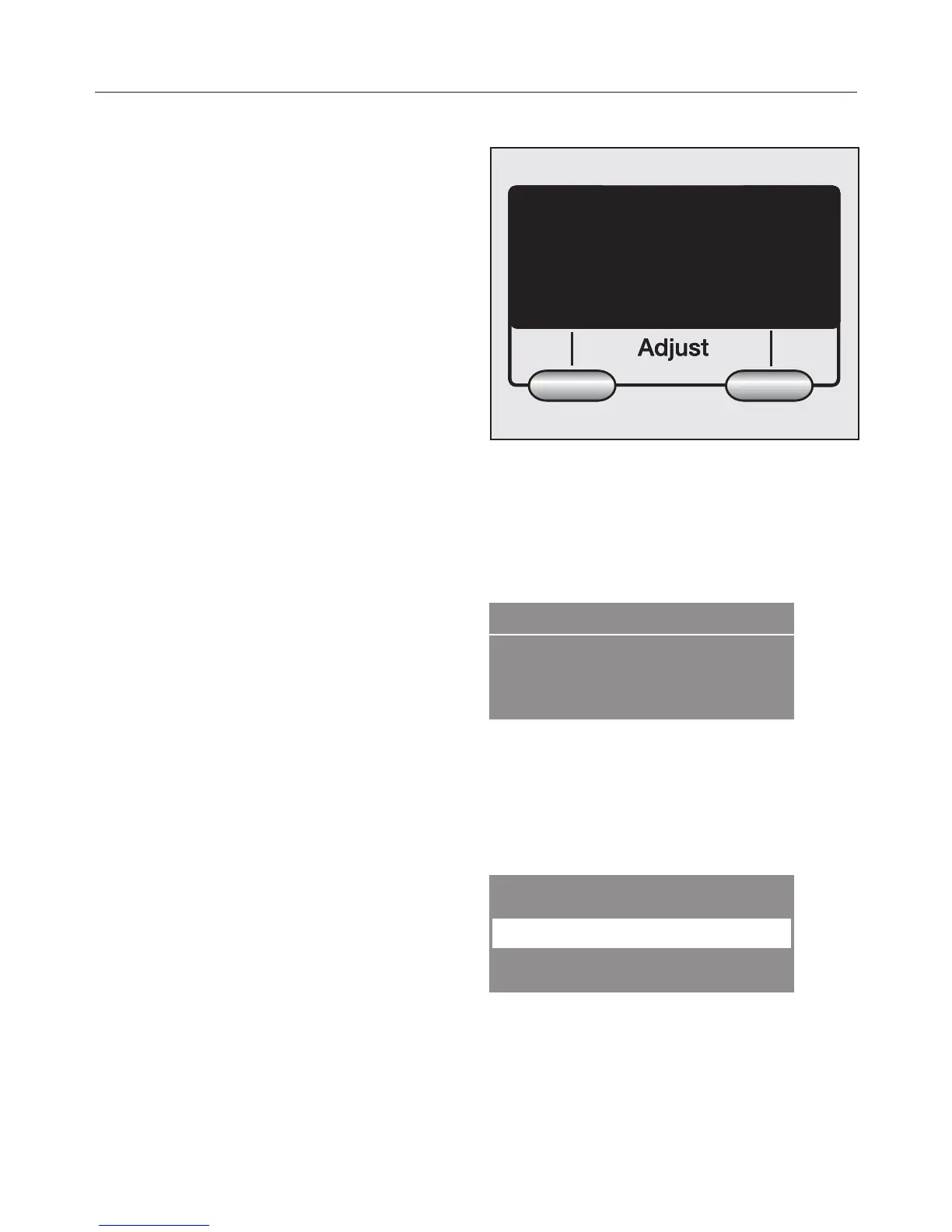
Menu buttons
Various settings can be made with the
Menu buttons
The values above the vertical line can
be adjusted and/or confirmed.
Example:
Pressing the left menu button Warm
allows to adjust the temperature. The
High spin button allows you to adjust
the spin speed.
Example:


 To Next Page