Before using for the first time
19
Miele@mobile App
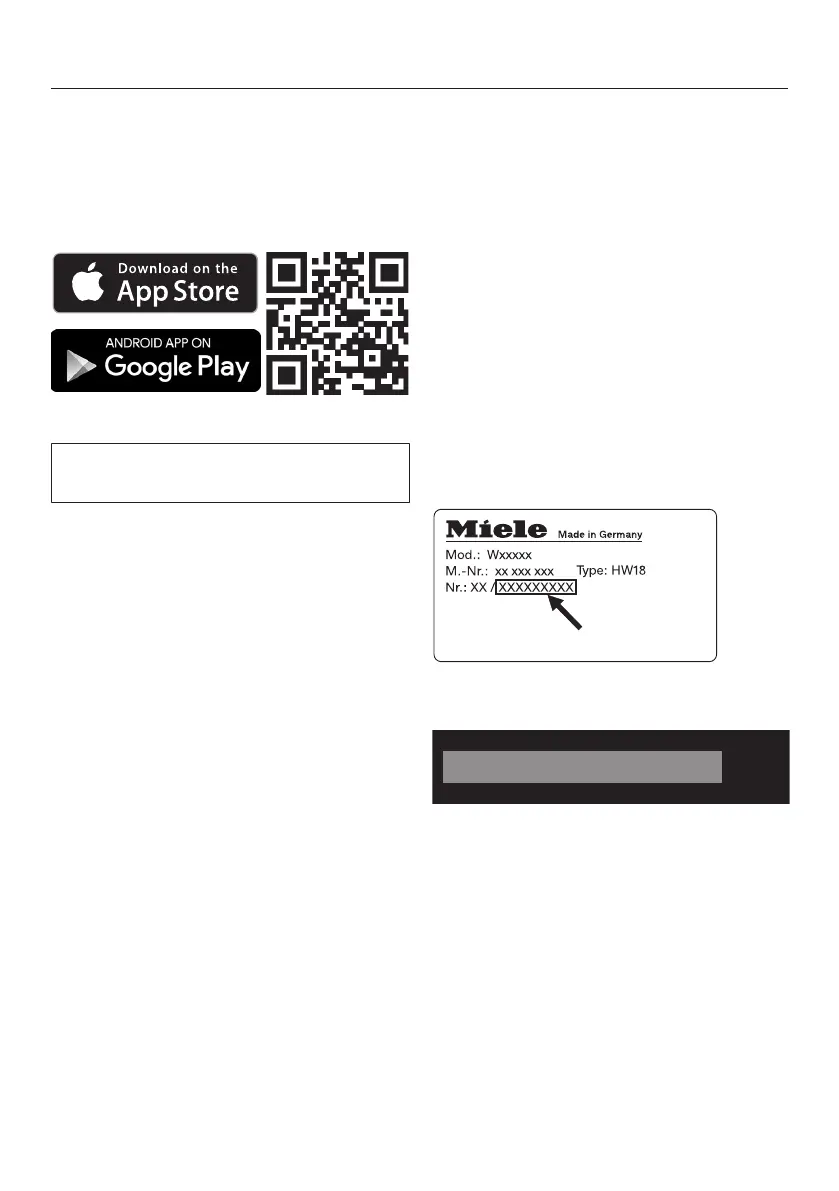
The Miele@mobile App is available to
download free of charge from the Apple
App Store
®
or from the Google Play
Store™.
Connecting via WPS
Your WiFi router must support WPS
(WiFi Protected Setup).
Follow the instructions in the display.
If the connection fails, you have prob-
ably not activated WPS on your router
quickly enough. Repeat the steps
above.
Tip: If your WiFi router does not support
WPS, please connect via the
Miele@mobile app.
Connecting via the app
The Miele@mobile app can be used to
connect to your network.
Install the Miele@mobile app on your
mobile device.
Follow the instructions in the app.
To log in you will need:
1. Your WiFi network password
2. Your washing machine password
The password for your washing ma-
chine consists of the last nine digits on
the serial number. These can be found
on the appliance's data plate.
If the connection is successful, the fol-
lowing will appear in the display:
Confirm with OK


 To Next Page