4. Select programme settings
29
Selecting a temperature/spin
speed
You can alter the pre-set temperature/
spin speed of a wash programme, if
this option is permitted for that pro-
gramme.
Touch the sensors above or be-
low the temperature or spin speed
value in the display until the temper-
ature/spin speed you want appears in
the display.
Selecting an extra option
Touch the sensor for the extra you
want. It then lights up brightly.
Tip: You can select multiple Extras for a
wash programme.
Not all extra options can be selected
with every programme. If an extra op-
tion is not dimly lit, this option is not
permitted for the wash programme
(see “Extra options”).
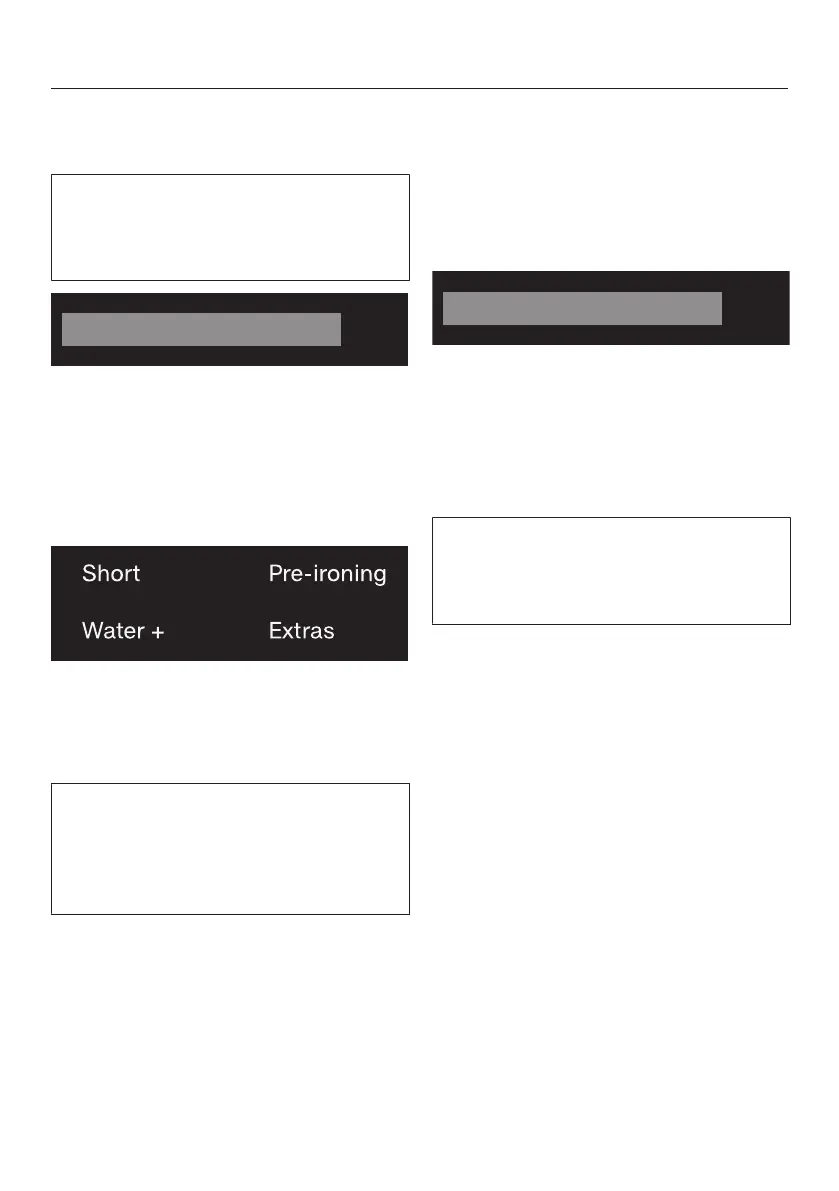
Extras sensor control
You can select additional extras using
the Extras sensor.
Touch the Extras sensor.
The following appears in the display:
Touch the sensors until the extra
option you want appears in the dis-
play.
Confirm the extra option with OK.
Level of soiling
The sensor is only active with the
TwinDos option activated. See “5.Add
detergent, TwinDos” for more informa-
tion.


 To Next Page