17
GRN
WHT
BAT+
AUTO
CLOSE
RESET
PULL
STAGGER
WARNING
BAT–
GRN
WHT
RED
BLK
RED
BLK
COM
COM
CYCL
SAFE
EXIT
SHDW
AUX
V+
AUX
V-
LOCK
V+
LOCK
V-
CLOSE
EDGE
OPEN
EDGE
PRIMARY
SECONDARY
LOCK AUX
SW1
SW2
PUSH
12345
+
TERM6
+
–
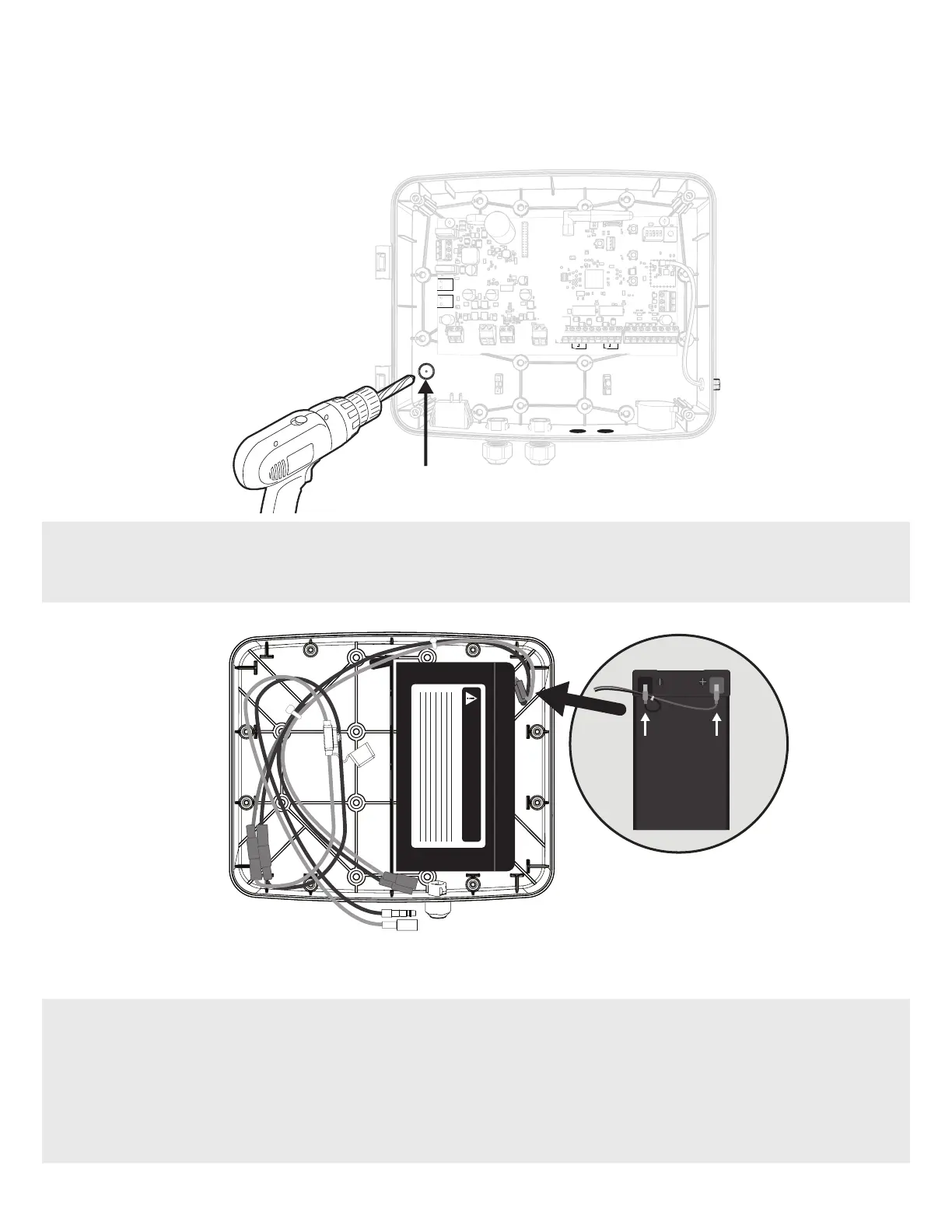
Battery Power Access
Control Box
1. In order to install the Battery Kit, you’ll need to provide wiring access from the Control Box to the Battery Enclosure Kit.
With a drill and 1/2” drill bit, drill out the plug designated for Battery Power Access.
DANGER/POISON
2. Connect the battery harness to the battery as shown: red to positive, black to negative terminals.
3. Place the battery into the right side of the Battery Enclosure Kit with the terminals facing to the right and towards the
top of the Battery Enclosure Kit.
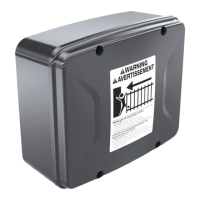
MM371W, MM372W, TS571W BATTERY ENCLOSURE KIT SETUP
Control Box – Battery Enclosure Kit Connection


 To Next Page