2.2 Auto Scroll
When auto scroll is enabled, the display scrolls between
currents and thermal reading every 10 seconds. To
toggle auto scroll mode, press "UP" and "DOWN"
simultaneously.
2.3 LED Display
a) Run LED
Run LED shows the motor status. Refer to 3.2.1 Motor
Starting.
2
b) Trip LED
Trip LED is normally off. During tripping pickup, where
tripping delay is counting down, Trip LED blinks. Trip
LED on during tripping.
c) Thermal LED
Thermal LED blinks when motor current is more than
105% of I
B
. Thermal LED on during thermal overload
tripping, and when thermal capacity is more than 40%
after overload tripping (in which R1 is off, motor not
allowed to start)
On Thermal overload tripping
3. Settings and Protection Features
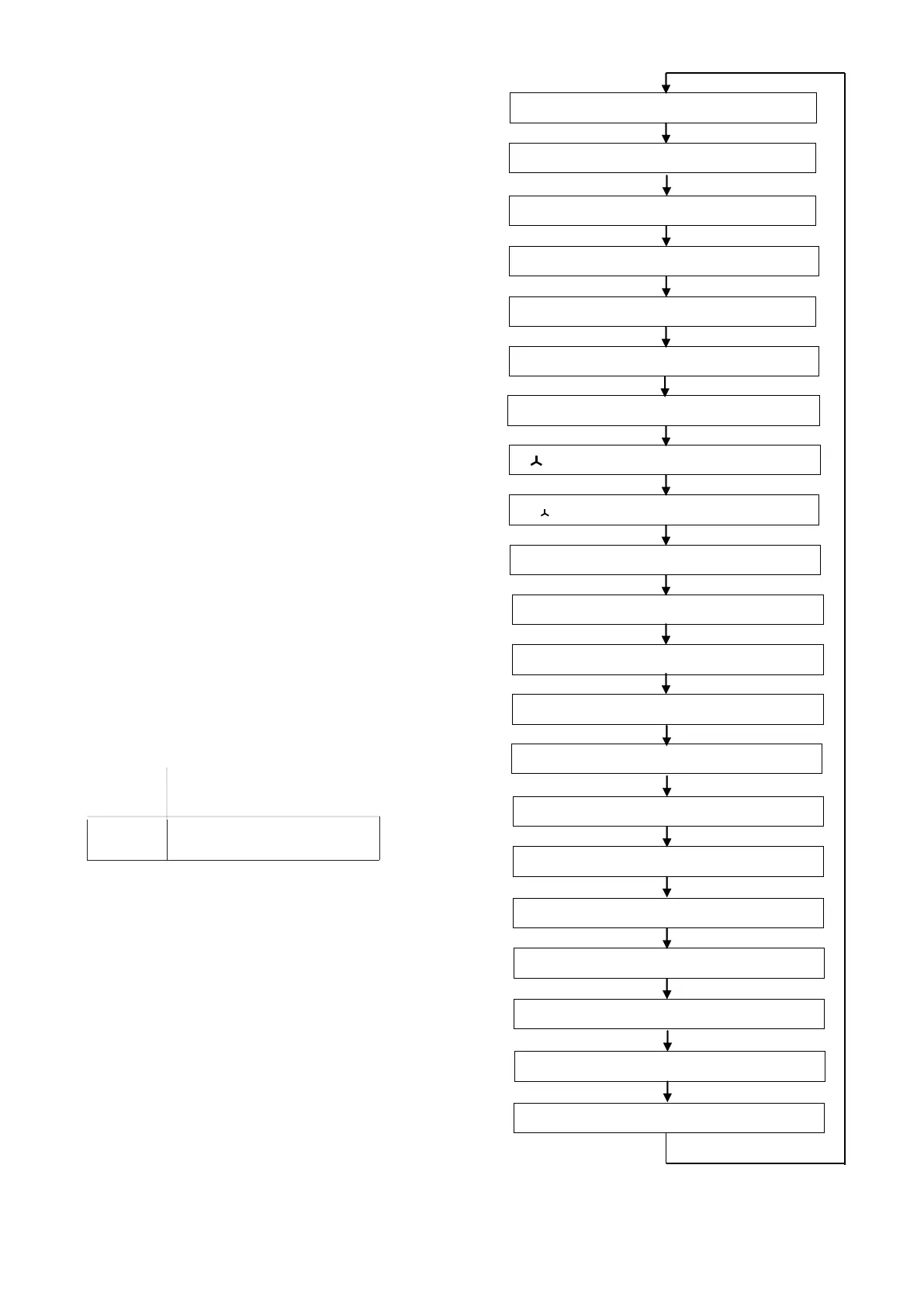
3.1 Setting Display
When the relay is not under tripping condition, pressing
"RESET/MODE" will scroll through various settings.
Function LED showing number or alphabet to indicate
which setting is being view as shown in Figure 3. Table 1
gives description of each setting.
Tip: To quickly jump back to current/thermal display
during setting display, press and hold "RESET/MODE"
for 1.5 second.
1 t
6X
Thermal overload time constant
3 t>> Short circuit delay time
5 t<< Undercurrent delay time
b t
Start
>> Prolonged starting delay
time
A I
S
>> Prolonged starting / stalled rotor
9 t
0
>> Earth fault delay time
c t >> Stalled rotor delay
time
d I
B
Base/full load current
Stall
Figure 3: Display mode when pressing
Reset/Mode
F4 Phase Sequence/ Phase Loss option
Thermal LED will on if after thermal trip and user press reset but thermal % still > 40%
Thermal capacity high, R1 off


 To Next Page