- 17 -
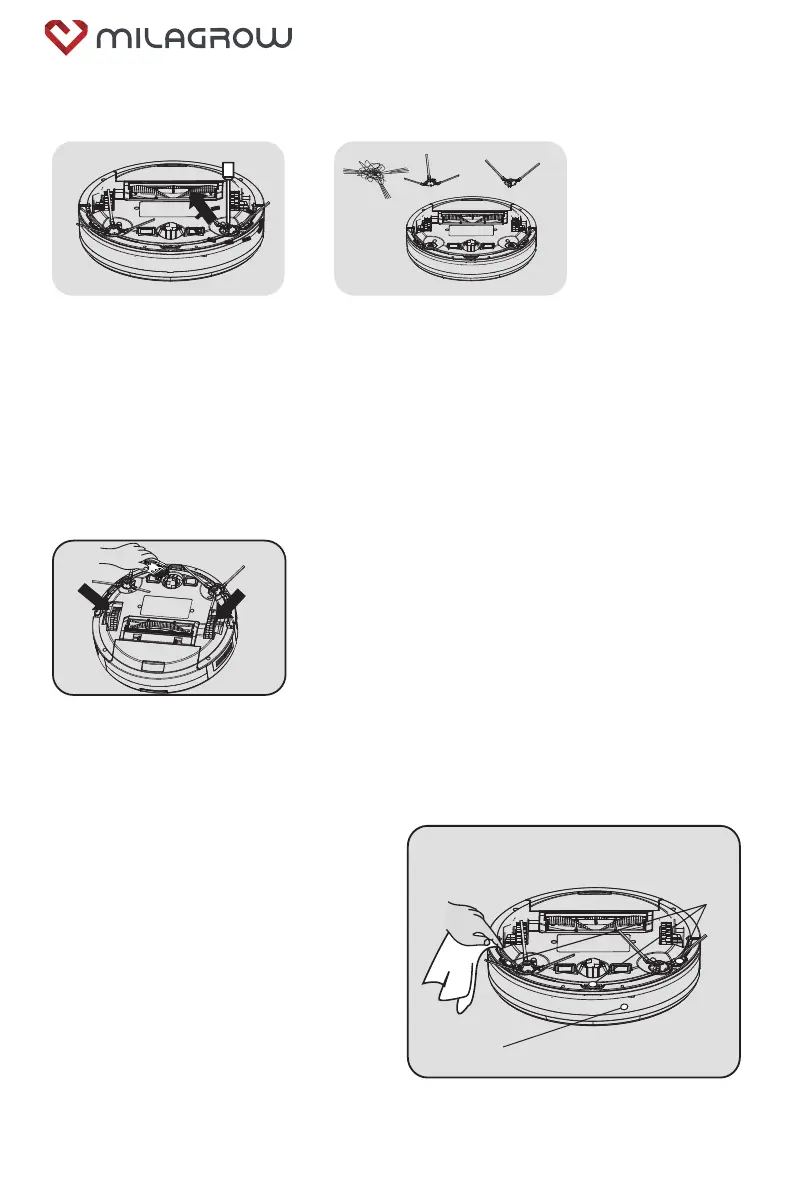
5.4 Clean the side brush
1. Use a screwdriver to remove
the screws from the side brush.
2. Remove the side brush and
clear away the hair and other
rubbish on the side brush. Then
clear away the entanglements in
the slot of the side brush.
Clean the front, left and right wheels regularly with a
cleaning brush.
(Note: The wheel shaft may be entangled by hair, cloth
strips, etc., so please clean it in time.)
It is recommended that every time
after the cleaning work is completed, a
dry cotton cloth should be used to
carefully wipe the light-transmitting
plate of the sensor to prevent dust
accumulation on it, which will affect the
performance of the product.
5.5 Clean the wheels
5.6 Clean the sensor
IR sensor
Bottom view of sensor
BlackCat 21/RedHawk 21


 To Next Page