EasyManua.ls Logo

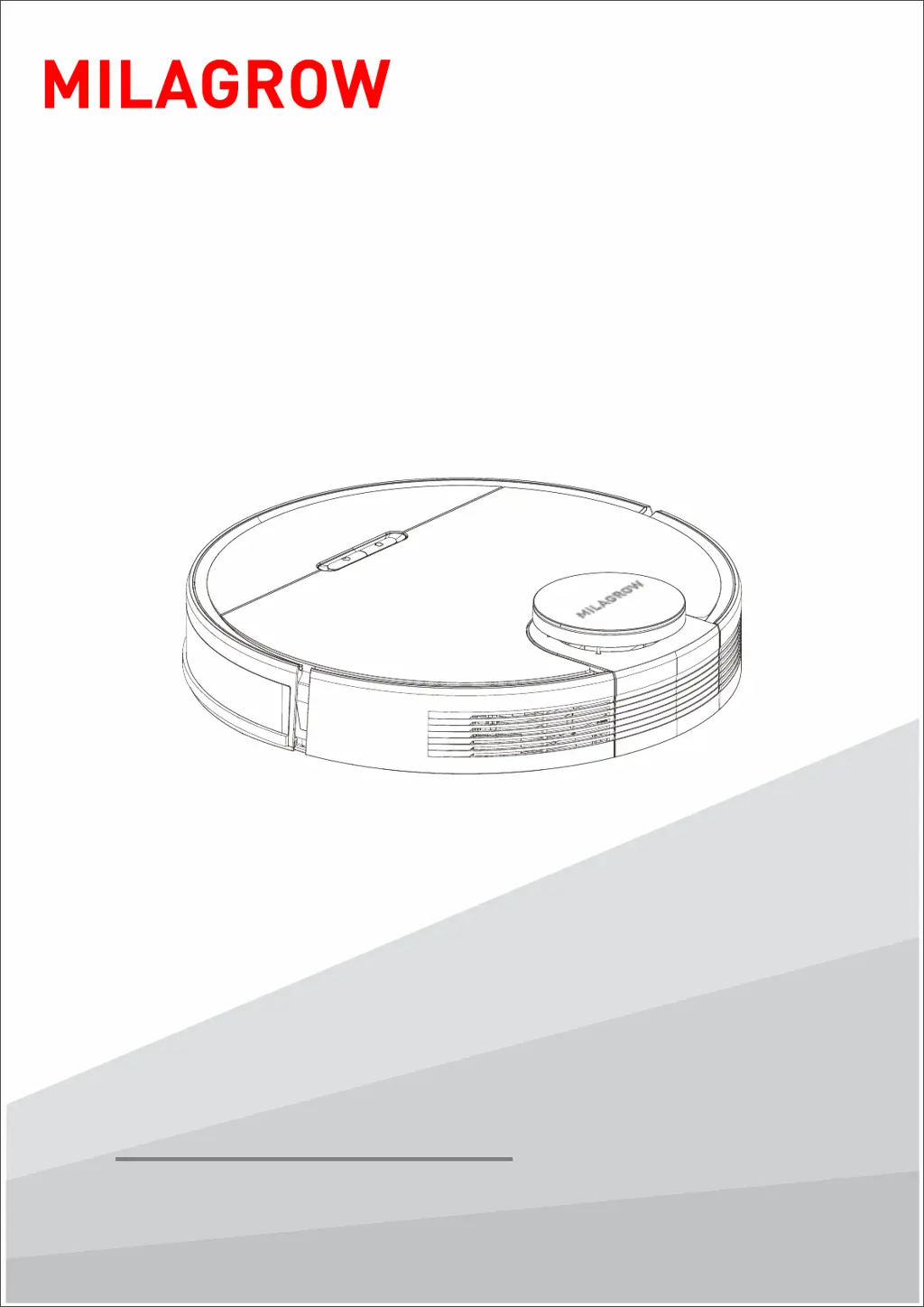
Milagrow iMap10.0 - User Manual

Default Icon
29 pages
Print Icon
To Next Page IconTo Next Page
Loading...
iMap10.0
A0
User Manual
Thank you for purchasing this Robot.
Please read the user guide carefully before use.
RoboticVacuumCleaner

Other manuals for Milagrow iMap10.0

Questions and Answers

Summary

Safety Instructions

Instructions for use

Essential guidance for safe and proper operation of the robotic vacuum cleaner.

Safety precautions

Critical warnings and precautions to prevent hazards and product damage.

About child safety

Guidelines for ensuring the safety of children around the robotic vacuum cleaner.

About the batteries

Information and safety instructions related to the product's batteries.

Scope of use of the product

Defines the intended use cases and suitable environments for the robotic vacuum.

Disclaimers

Legal statements and conditions that exclude warranty coverage for the product.

Product Overview

Robot and its accessories

Details the components included with the robotic vacuum cleaner and the robot itself.

Robot and dust box

Explains the robot's dust box and water tank, including their components.

Robot and its sensors

Identifies and describes the various sensors and their functions on the robot.

Mop module

Describes the mop module, its components, and how it attaches to the robot.

Charging dock

Details the charging dock, its indicators, and connection points.

Robot Installation

Connect the charging dock

Step-by-step guide for connecting the charging dock and managing its cables.

Place the charging dock

Instructions on where and how to position the charging dock for optimal robot performance.

Startup and charging

Initial steps for powering on the robot and ensuring it is fully charged.

Operating Instructions

Robot Operation Basics

Covers startup, shutdown, pausing, hibernation, charging, and fault handling.

Sweep Modes

Explains different cleaning modes like Auto Sweep and Fixed Point.

Suction Intensity Control

Guide on adjusting suction power levels via the mobile application.

Mop Module Usage

Detailed instructions for installing and using the mopping function.

Map Management

Explains room mapping, repositioning, and map regeneration processes.

System Reset

Procedure for resetting the robot's system to its default settings.

Maintenance

Cleaning the dust box and water tank

Instructions for emptying and cleaning the robot's dust box and water tank.

Clean the main brush

Steps to remove, clean, and reinstall the main cleaning brush.

Clean its side brushes

Guidance on cleaning the side brushes to remove tangled hair and debris.

Clean casters

Instructions for cleaning the robot's casters to ensure smooth movement.

Clean sensors and charging electrodes

How to clean sensors and charging contacts for optimal performance.

Clean the mop module

Recommendations for cleaning and maintaining the mopping cloth and module.

Basic Parameters

Faults and Troubleshooting

Voice prompts

Lists common voice error messages and their corresponding solutions.

Troubleshooting

Provides solutions for common operational issues like startup, stopping, and suction.

Faults in Wi-Fi connection

Helps diagnose and resolve problems related to the robot's Wi-Fi connectivity.

Milagrow iMap10.0 Specifications

General IconGeneral
ModeliMap 10.0
CategoryVacuum Cleaner
Dustbin Capacity600 ml
Mopping FunctionYes
Battery TypeLithium-ion
Charging Time4-5 hours
Noise Level60 dB
SchedulingYes
Auto RechargeYes
Warranty1 year
TypeRobotic
Dimensions350 x 350 x 95 mm
Filter TypeHEPA
ConnectivityWi-Fi
Virtual WallYes

Related product manuals