10
5.2
Menu: Comfort levels
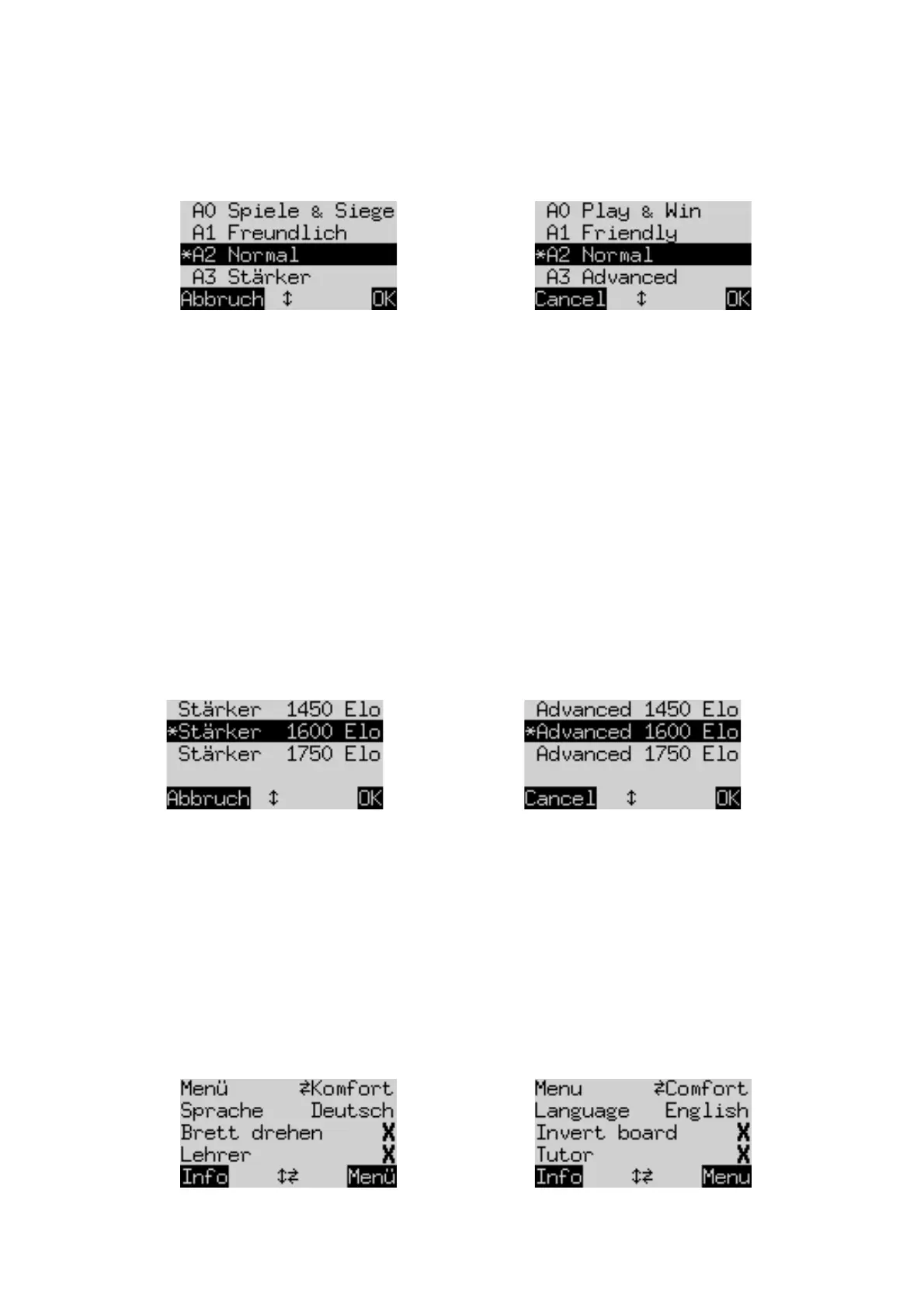
If you select this item, The King offers you a choice of 4 levels of playing strength:
Here, the * shows that the computer is currently set to play on level A2. By means of the ñ / ò buttons, any
line on the screen can be ‘highlighted’. To switch to a new level, highlight it and press GREEN.
To return to the ‘info’ screen without changing the level, press RED.
These are ‘Adaptive’ levels: the computer adapts its play to its opponent’s strength. If your play during a
game improves, The King starts offering more resistance. On the weakest level (A0), even complete
newcomers to chess can benefit from practising against the computer.
Stronger levels can be selected from the ‘Elo’ category (see 5.3).
5.3
Menu: Elo levels
After selecting this item, you can choose between 9 levels in 3 categories: ‘Normal’, ‘Advanced’ and ‘Club’.
To display them all and ‘highlight’ each one in turn, press ñ or ò repeatedly.
The screen shows the computer’s estimated playing strength on each level, e.g.:
In this example, the ‘highlighted’ level corresponds to an international (‘Elo’) rating of 1600.
To select a new level, highlight it and press GREEN. To return to the ‘info’ screen with the level unchanged,
press RED.
5.4
Menu: Options
5.4.1
Overview of the options
The ‘options’ are a set of special features that you have the possibility to modify. In ‘Comfort’ mode
there are 7 of them. To inspect them, select ‘Options’ from the menu. This displays four options from
the list, e.g.:


 To Next Page
 Loading...