MILESTONE
USER MANUAL
Ethos EZ User manual MA073-006 Sensors and Accessories chapter -26-
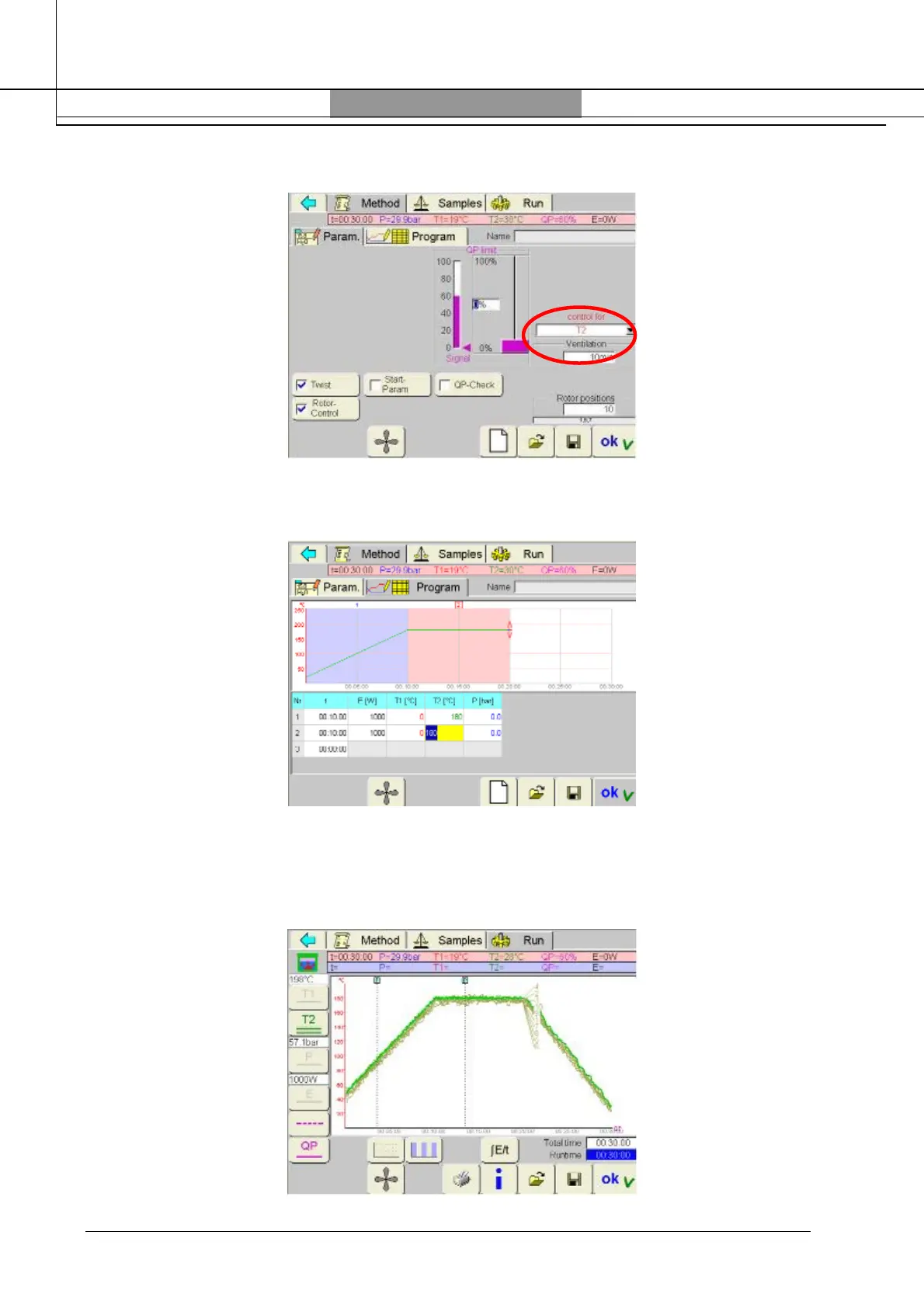
Set “T2” into “control for” window
Set all the parameter (QP, Twist, etc…) and rotor positions as described in the previous paragraph.
Set the microwave program according to Milestone application notes:
Press “Run” and then “Start” automatically after a few seconds the program will start.
During the run three temperature profiles (for infrared sensor) will appear on the screen in
accordance with the selected positions.
Program finished for 10 positions:



 To Next Page