MILESTONE
APPLICATION BOOK
ETHOS EZ User manual MA073-006 Application book -82-
MILESTONE APPLICATION BOOK
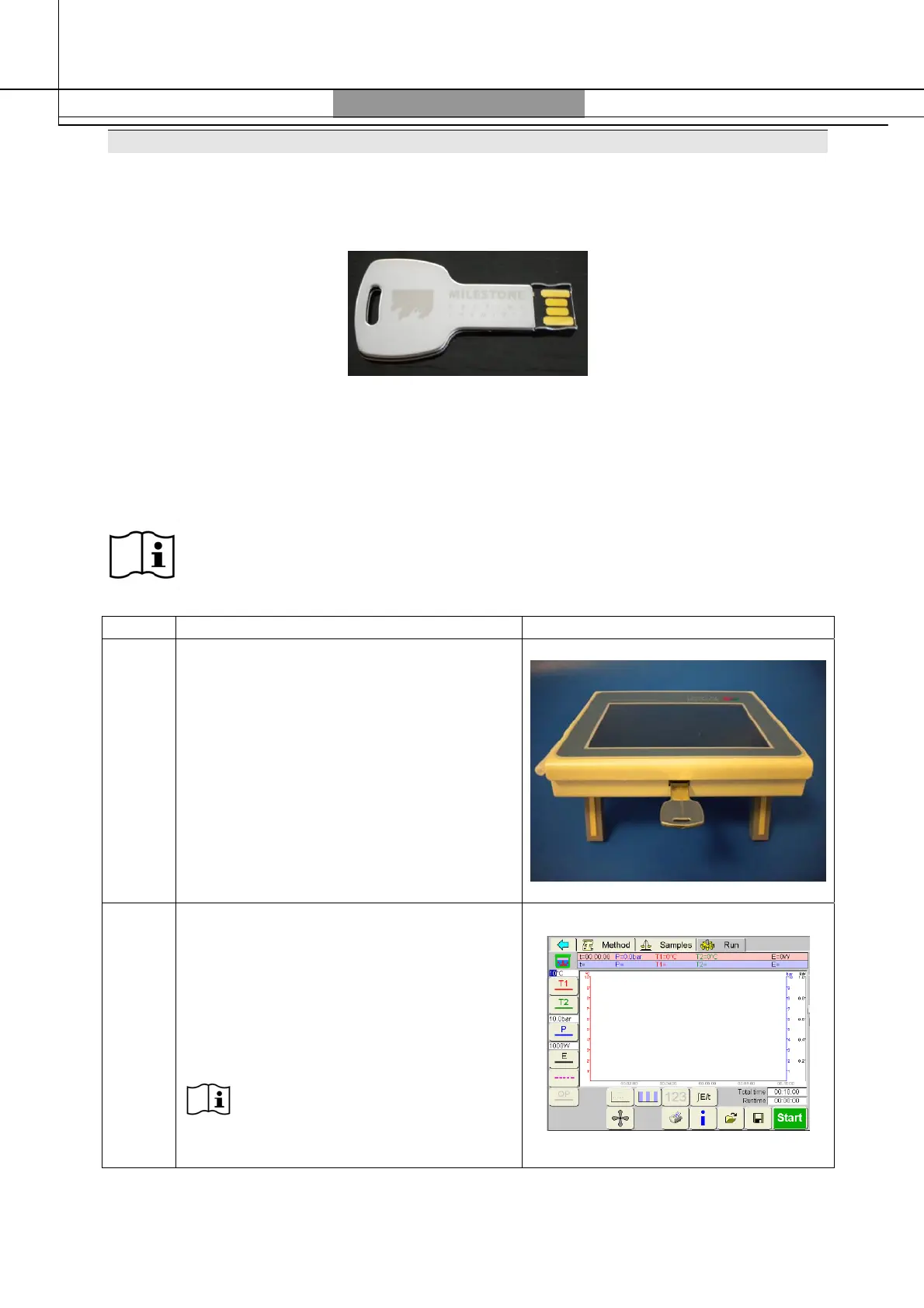
With Terminal 640, Milestone provides the application book, where you can find many pre-
loaded methods, ready to be used with your system.
Simply follow the steps described below in order to use them on your unit.
The application files are divided in different folders, according to rotor configurations (SK10,
SK12, PRO16, etc…) and application fields (agriculture, environmental, food/feed, etc…)
In each application field folders, you can find also an excel document where are listed all the
available method (index). The index can be opened on a PC.
The US The USB pen-drive works only with 640 Terminals with 01-Q or following
softwar software revision.
Step DESCRIPTION PICTURE
1
Connect the USB pen to the Terminal
640, from the rear connection
2
Switch on the unit, login, open the run
page and select the icon (see the
user manual for more details).
The methods can be opened only
from the “Run” page



 To Next Page