MILESTONE
APPLICATION BOOK
ETHOS EZ User manual MA073-006 Application book -83-
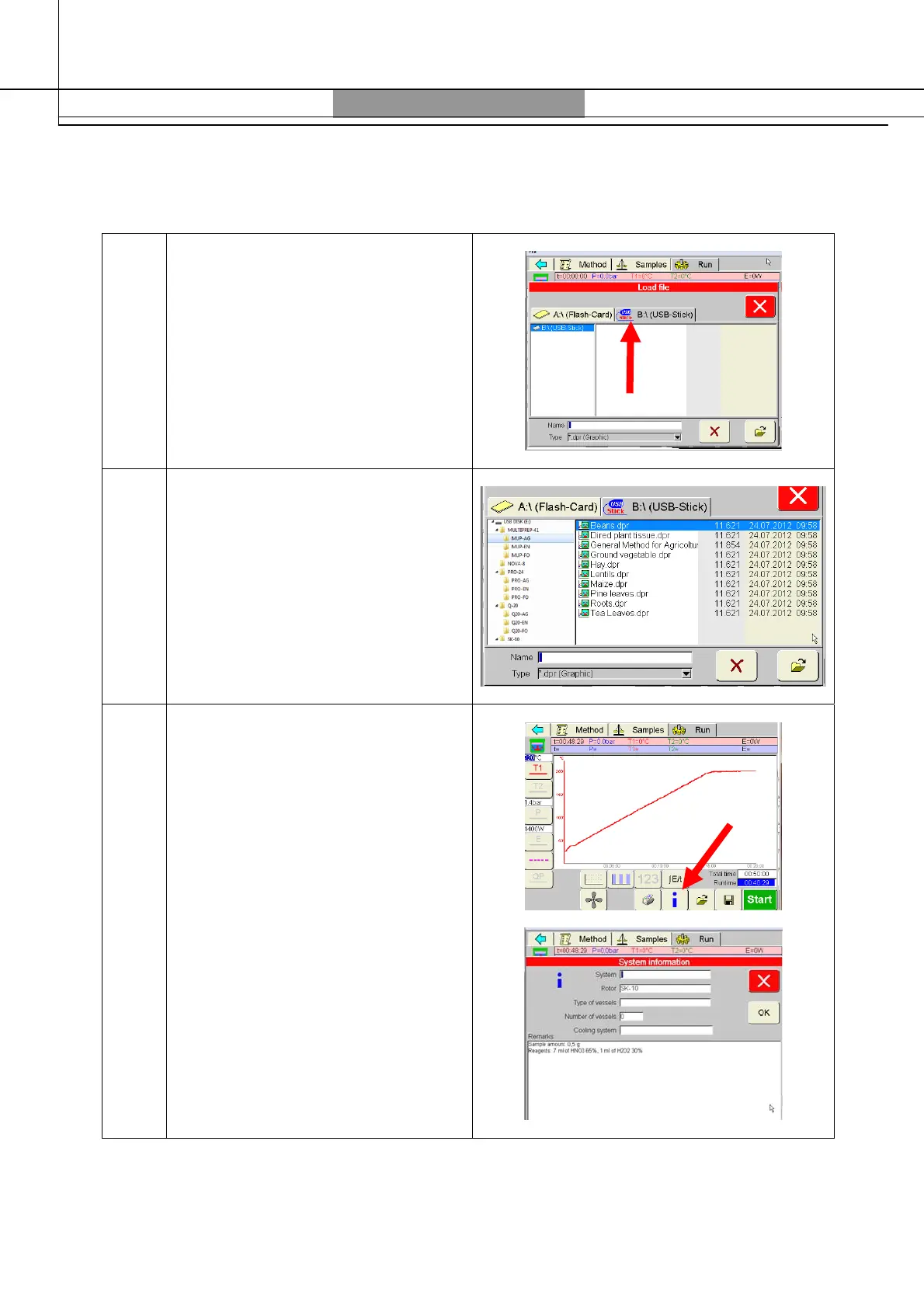
3 Choose the “USB-Stick” folder
4
First select your rotor and your
application field.
Then select your application from
the list and press on to open
the file
5
Press i icon, to see information on
sample weight, reagents type and
volume



 To Next Page