MILESTONE
APPLICATION BOOK
ETHOS EZ User manual MA073-006 Application book -84-
6
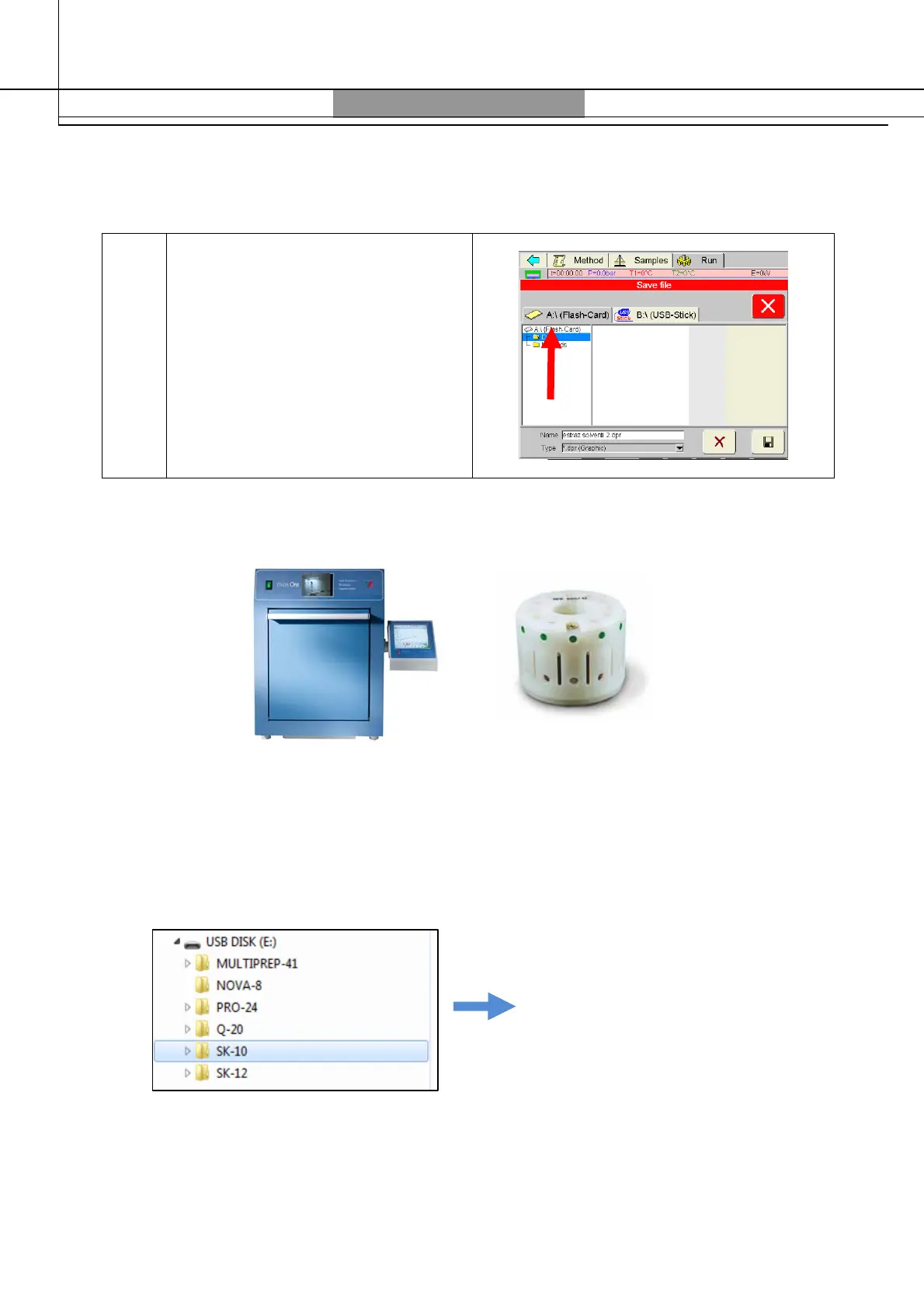
If you want to directly save the file
on the Terminal 640, just press the
icon, choose the flash-card
folder and save it.
Here below an example of configuration.
Example of configuration:
Ethos One and SK10 high pressure rotor.
1. Connect the USB pen to the terminal and open it as describe above.
2. Select the rotor configuration (in our example is SK10) and the application field (food)



 To Next Page