EasyManua.ls Logo

Milestone MHT-L1081 - User Manual

Milestone MHT-L1081
22 pages
Print Icon
To Next Page IconTo Next Page
Loading...
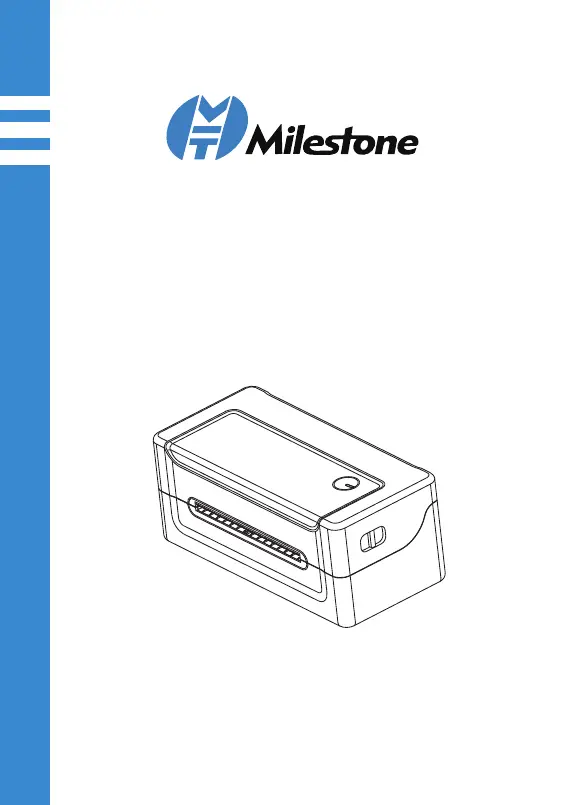
Thermal Label Printer
Quick Installation Guide
www.milestoneiot.com

Questions and Answers

Summary

Appearance and Components

Front, Rear, and Inside Views

Details the exterior and interior parts of the thermal label printer, including views of the front, rear, and inside.

Loading Paper

Paper Loading Procedure

Step-by-step guide on how to correctly load paper into the thermal label printer.

Printer Unpacking

Package Contents Overview

Lists and illustrates the components included in the printer package for verification.

Connecting the Printer

Power and USB Cable Connections

Instructions for connecting the power adapter and USB cable to the printer and computer.

Windows Driver Installation

Initial Setup and Driver Opening

Connect the printer and locate the driver executable file for installation.

Driver Installation Process

Guides through the on-screen prompts to install the printer driver software.

Finalizing Installation and Settings

Complete driver installation and access computer settings to manage the printer.

Setting Default Printer and Test Print

Configure the printer as default and perform a test print to verify functionality.

Mac OS Driver Installation

Opening Driver and Security Settings

Locate the driver file and adjust Mac security preferences to allow installation.

System Preferences and Privacy

Navigate system settings to access privacy options for driver installation approval.

Allowing Driver Installation

Grant permission for the driver to run by clicking 'Open Anyway' and then 'Open'.

Completing Mac Driver Setup

Proceed with installation and confirm the successful completion of the driver setup.

Adding Printer in Mac OS

Add the installed printer to the Mac OS system via 'Printers & Scanners'.

Printer Configuration and Test

Select the printer model, confirm installation, and perform a test print.

Frequently Asked Questions

Driver Installation FAQs

Answers common questions regarding the installation process for both Windows and Mac operating systems.

Print Quality Issues

Troubleshoots common reasons for printing blank or incomplete labels.

Software and Paper Size

Provides guidance on downloading necessary software and identifying label paper size.

Printing Problems and Solutions

Offers solutions for changing label size and resolving printing issues after driver installation.

Keys and Indicators

Button Functions and Indicator Status

Details the functions of printer buttons and the meaning of indicator lights and buzzer alarms.

Print Self-Test Page

Performing a Self-Test

Instructions on how to run the printer's self-test program to check status and print quality.

Printing via Windows Driver

Guidance on printing a test page using the installed Windows driver.

Safety Warnings

General Safety Precautions

Important safety warnings and instructions for the safe operation and handling of the printer.

Milestone MHT-L1081 Specifications

General IconGeneral
BrandMilestone
ModelMHT-L1081
CategoryLabel Maker
LanguageEnglish