www.milorange.com
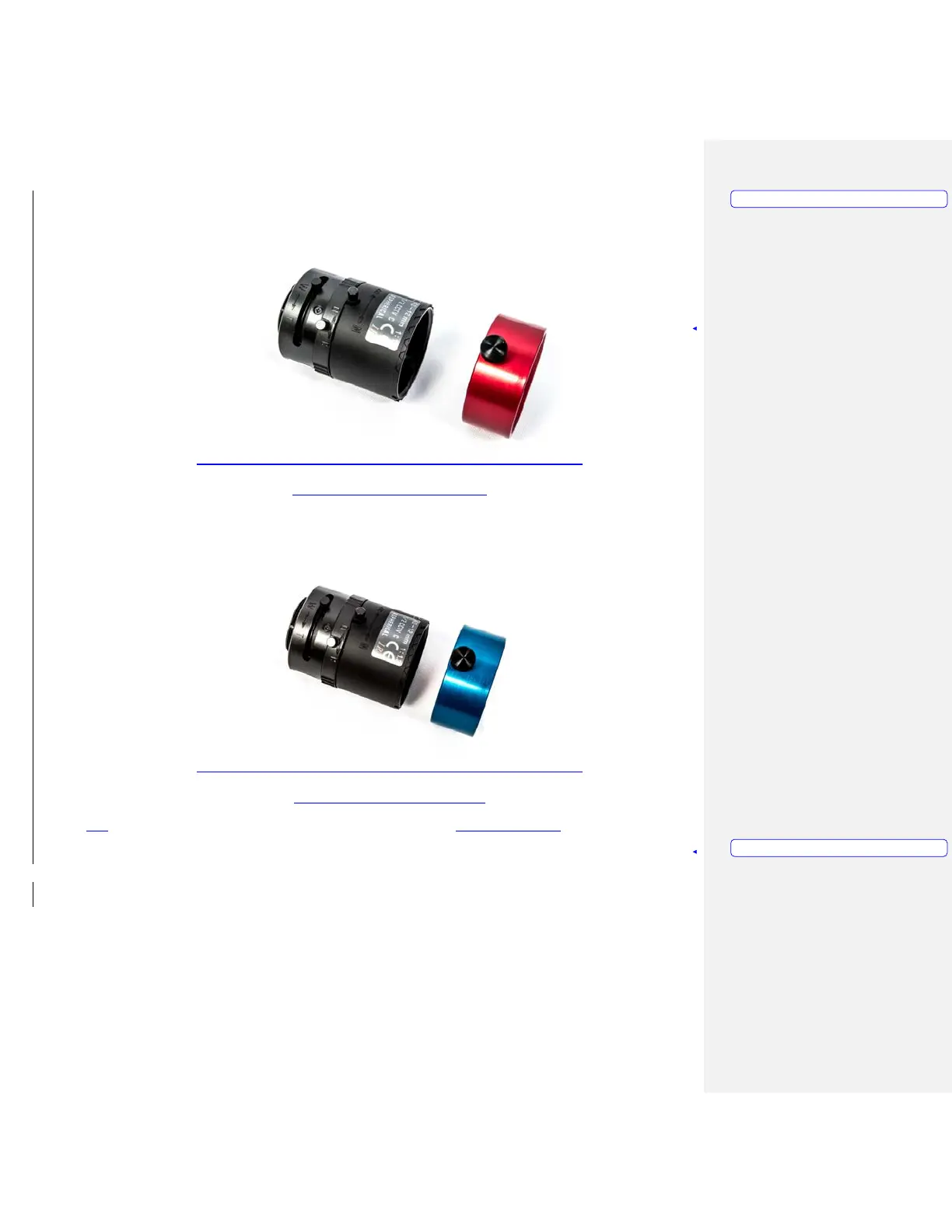
Figure 6 – Hit Detect Filter and Lens
Figure 7 – Flashlight Filter and Lens
3. Attach the lenses and colored IR filter rings to the cameras. (Figure 8, Item 1)
Note that the hit detect cameras is on the right (when looking at the box from the front) and
the flashlight camera is on the left. The Red ring set goes on the hit detect camera lens on the right.
The Blue ring set goes on the flashlight camera lens. The camera box is labeled for your convenience
Formatted: PICTURE
Formatted: NOTE



 To Next Page