www.milorange.com
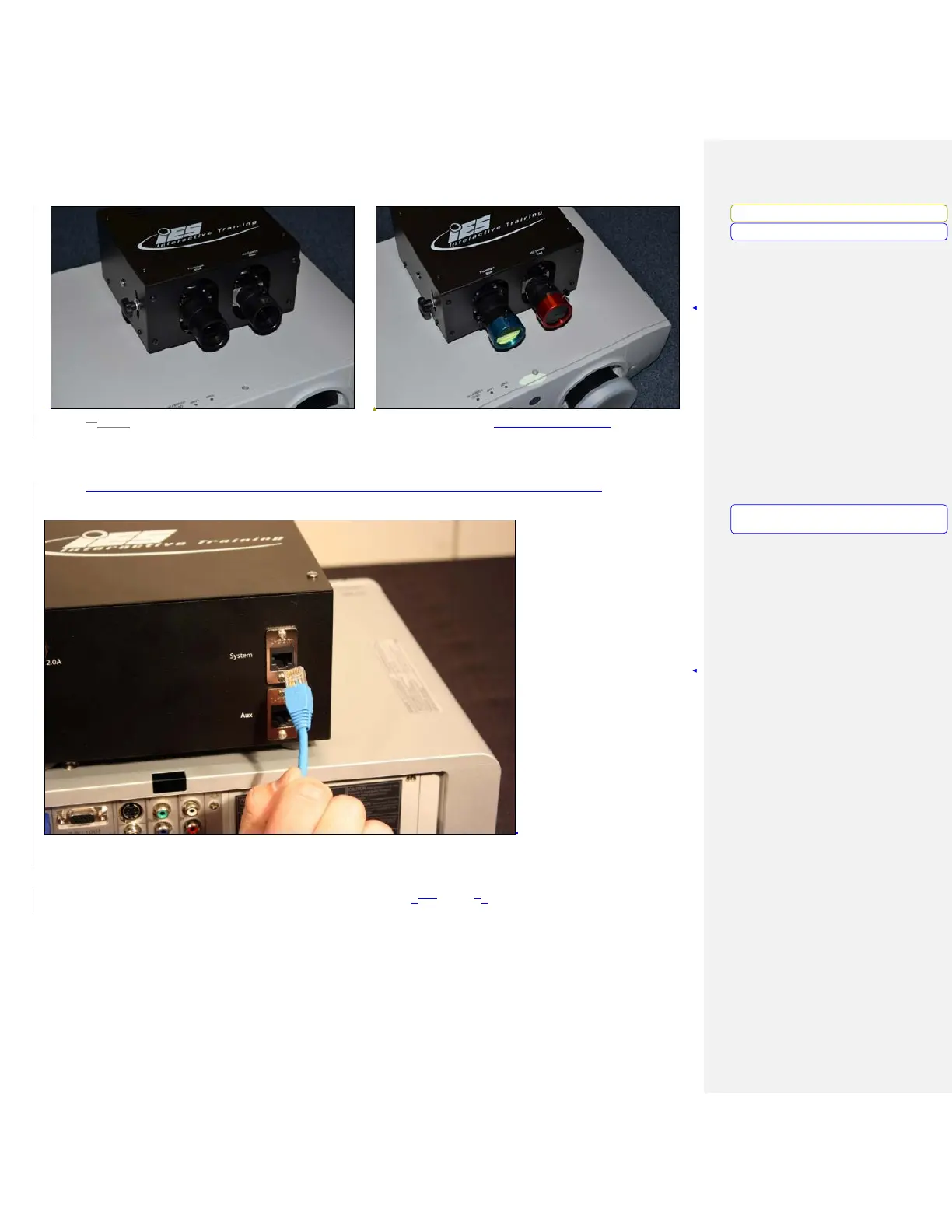
3.4. Connect the network cable to the camera box “System” port. (Figure 10, Item 1) Now, run the
cable to the location where the computer will sit. Make sure the cable does not interfere with the
area where the trainees will walk or stand during training.
4. Connect the network cable to the network port on the computer (Figure 1-??, Item ?)
5. Connect power to the camera box. Make sure the cable does not interfere with the area where the
trainees will walk or stand during training. (Figure 10-??, Item ?2)
Formatted: Font: Bold
Formatted:
Left
Formatted: Left, Tab stops: 3.69", Left
+
3.75",
Centered



 To Next Page