PAGE 4 OF 21
▪ Product Input/Output Connectors
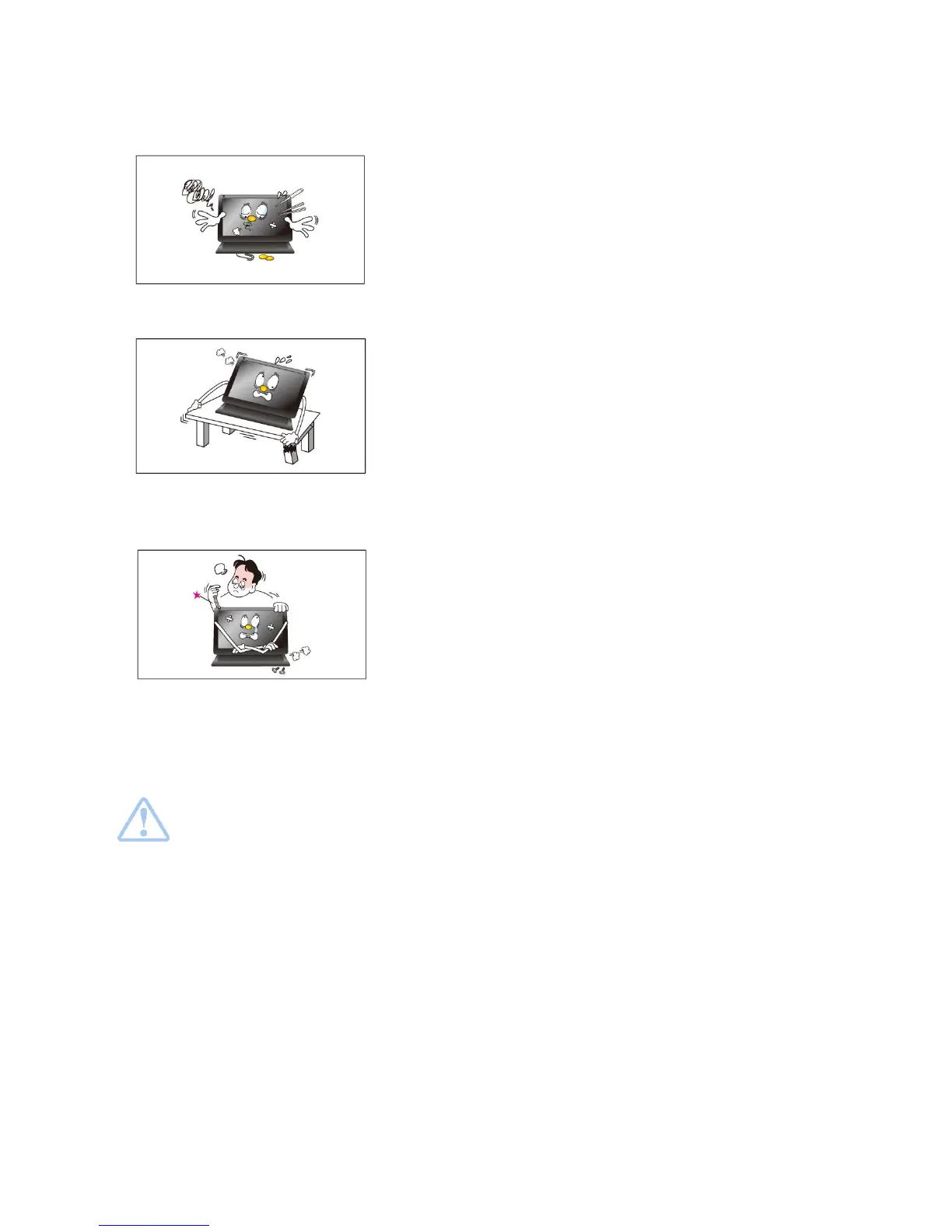
- Do not insert any metal, such as chopsticks, coins, pins and
steel,
- If foreign material enters the product, disconnect the USB cable
and contact a Service Center.
▪ Do not install MIMO in an unstable location
- Otherwise, it may fall and cause personal injury and/or damage
the product.
▪ Ensure that users do not disassemble, repair or
modify the product themselves
- If the product needs to be repaired, contact a Service Center.
If water enters the product, disconnect the USB and contact a Service Center.
This may result in a product malfunction, electric shock, or fire.


 To Next Page