PAGE 7 OF 21
▣ Connections and Installation
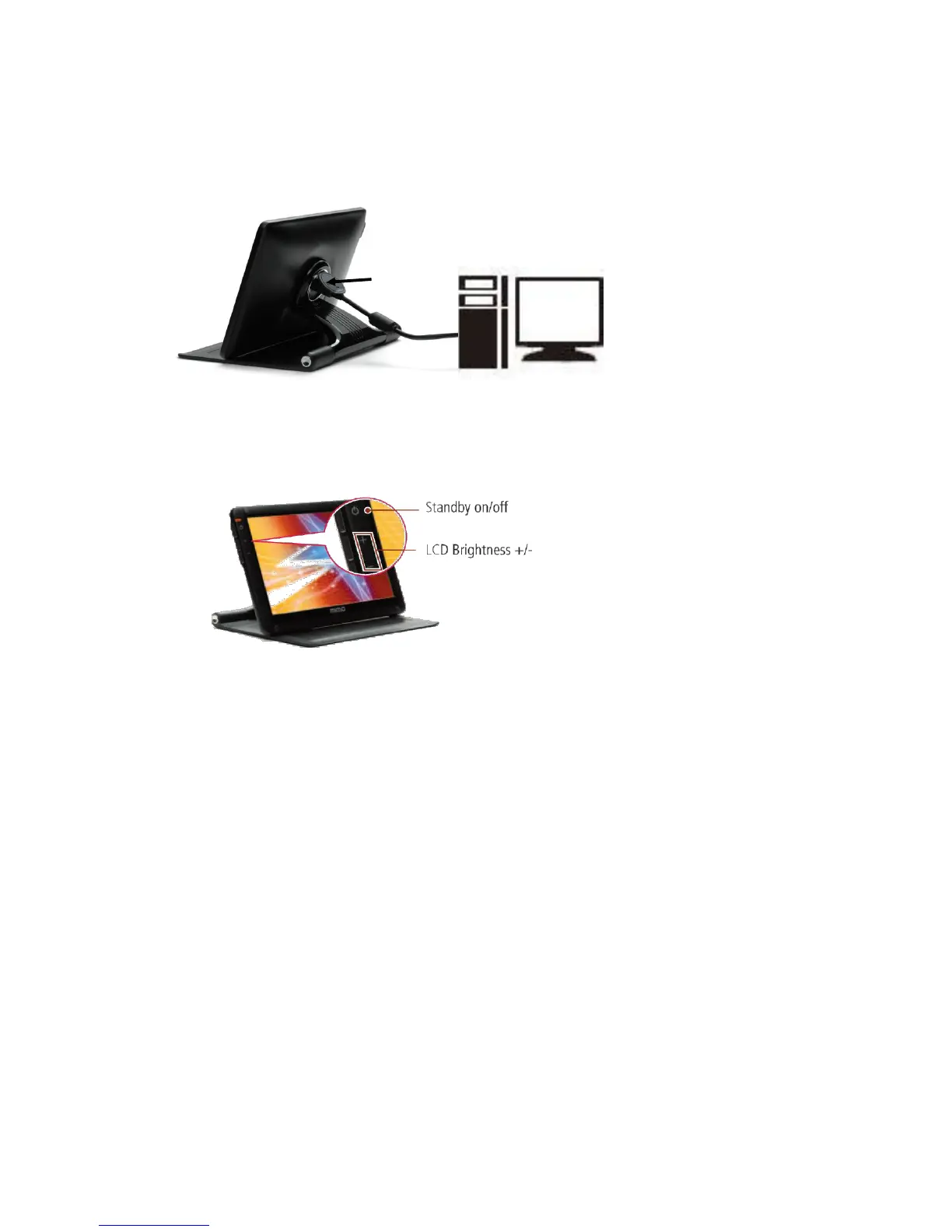
MIMO requires USB connection only.
① USB Cap: USB mini B type connector inside
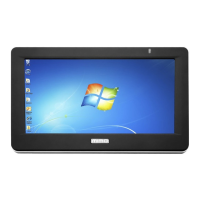
▶ Buttons
▶ System Requirements
• CPU : Intel Pentium/Celeron/AMD/K6/Athlon/Duron 1.2GHz or above
• RAM : 512MB RAM or above
• USB : at least one or more USB2.0 port
• HDD : 30MB HDD space above
• O/S : Windows 2000 SP4/XP SP2 32bit/Vista 32bit
▶ Using the Software
With only USB cable connection, a user may operate MIMO as an Extension monitor with Touch Screen
Panel(UM-720S, UM-720F). For more detail functions and feature please refer to page 5 “Product Features”)


 To Next Page