29
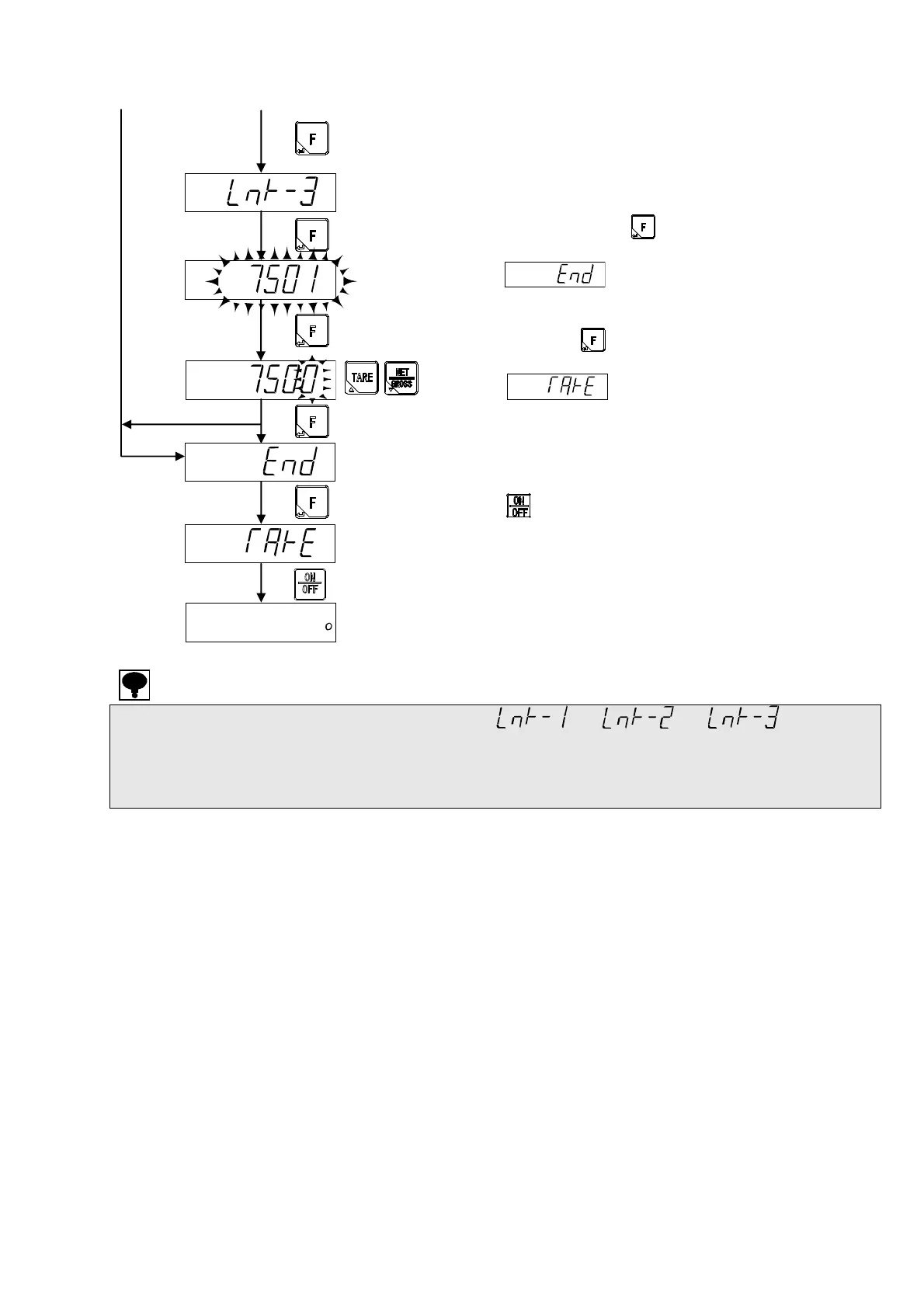
Please press the key when the compensation of
each point is completed.
is displayed.
Press the key to complete digital linearization
mode.
is displayed, and the setting data is
memorized in the internal memory.
Please set to the stand-by condition by pressing the
key.
The digital linearization mode is finished.
・ Please make the weights to be compensated as < < .
・ The linearization compensation cannot be executed over the weighing capacity.
・ Please refer [19-1. Error load display] as to the details of error display.
・ The compensation data of the digital linearization can be cleared by C function CF-98.
Please refer to the paragraph [6-15. Digital linearization clear].
[B][A]
When P-3 is selected.
Put the weight.
Confirm the stability
mark lighting on.



 To Next Page