EasyManua.ls Logo

Minebea CSD-912B - User Manual

Default Icon
366 pages
Print Icon
To Next Page IconTo Next Page
Loading...
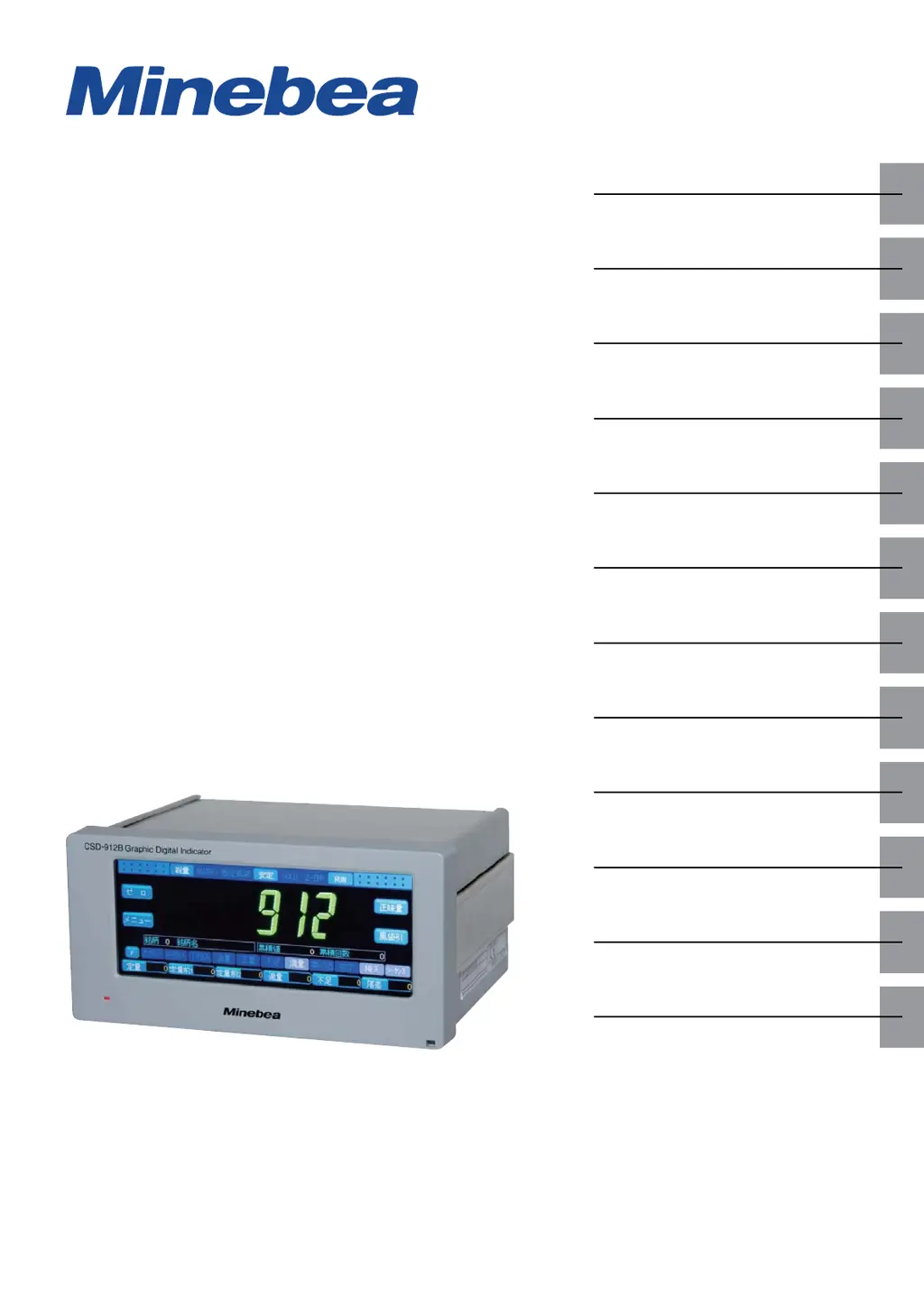
GRAPHIC DIGITAL INDICATOR
CSD-912B
Instruction Manual
EN294-1764-B
Product
summary
Wiring
Basic
operations
Calibration
Measurement
Graphic
display
Various
settings
Data
management
External
device
Maintenance
Troubleshooting
Appendix

Table of Contents

Questions and Answers

  • L
    Linda ArmstrongSep 23, 2025
    What does it mean if [OL] or [-OL] is displayed on my Minebea Touch Panel, or the load value display is unstable?
    • K
      Kathryn WebbSep 23, 2025
      If you see [OL] (overload status) or [-OL] (unstable status) on your Minebea Touch Panel, or the load value display is unstable, it could be due to several reasons. The strain gage based transducer may be faulty, so try using another one. The transducer might be incorrectly wired, so ensure it is correctly wired. The signal line of the transducer could be broken, so check its wiring status. The input from the transducer may be beyond the range of ±3.1 mV/V, so check the input. Calibration may have been improperly executed, so try executing it again. Finally, the voltage between A and C of CSD-912B might be unstable; measure the voltage between A and C to ensure it is stable at the setting value of the excitation voltage.
  • M
    Marcus CainAug 25, 2025
    How to troubleshoot signal transmission issues with Minebea Touch Panel using RS-485 interface?
    • S
      Suzanne BarkerAug 25, 2025
      To resolve signal transmission problems with the RS-485 interface on your Minebea Touch Panel, verify that the RS-485 interface is correctly wired with the external equipment. Also, ensure that the address number and communication protocol are correctly set according to the specifications of the host.
  • R
    Rhonda WrightAug 25, 2025
    What to do if nothing is displayed on my Minebea Touch Panel screen?
    • J
      Jessica ObrienAug 26, 2025
      If nothing is displayed on your Minebea Touch Panel, check the following: ensure that the supply power voltage is within the range of 100 V AC to 240 V AC (allowable variable range: 85 V AC to 264 V AC), verify the power cable is correctly wired, and confirm that the fuse hasn't blown. If the backlight off time has been set, touching the display should light the backlight.
  • C
    cookemichelleAug 27, 2025
    How to resolve signal transmission issues with the Minebea Touch Panel's RS-232C interface?
    • B
      Brian HowardAug 27, 2025
      To fix signal transmission issues on your Minebea Touch Panel via the RS-232C interface, first, ensure that the RS-232C interface is correctly wired to the external equipment. Then, verify that the communication protocol is set according to the specifications of the host.
  • B
    Bryan MirandaAug 27, 2025
    How can I fix signal transmission problems with the Minebea Touch Panel's RS-422 interface?
    • M
      Mark PenningtonAug 27, 2025
      To troubleshoot signal transmission issues with the RS-422 interface on your Minebea Touch Panel, ensure the RS-422 interface is correctly wired to the external equipment. Verify that the address number is correctly set. Also, make sure the communication protocol is set according to the specifications of the host.
  • R
    Roger CallahanSep 15, 2025
    Why are the intended values not being output on my Minebea Touch Panel?
    • S
      Sara NealSep 15, 2025
      If the intended values are not being output on your Minebea Touch Panel, the BCD output target may have been incorrectly set. Ensure that the BCD output target is correctly configured.
  • S
    Sara CampbellSep 13, 2025
    Why are the intended values not output in stream mode on my Minebea Touch Panel?
    • H
      Hunter NavarroSep 13, 2025
      If the intended values are not being output in stream mode on your Minebea Touch Panel, the target to be output in stream mode may have been incorrectly set. Ensure that the output target for the stream mode is correctly configured.
  • U
    umasonSep 14, 2025
    Why doesn't the BCD output change on my Minebea Touch Panel?
    • M
      michaelwintersSep 14, 2025
      If the BCD output does not change on your Minebea Touch Panel, the BCD output may have been held. Disable the BCD output hold.
  • S
    Stephanie AndersonSep 5, 2025
    What to do if Minebea Touch Panel host doesn't respond?
    • E
      Ebony HarperSep 5, 2025
      If the host does not respond to the Minebea Touch Panel, the currently set data delay time for CSD-912B may be too short. Set the data delay time of the RS-485 interface to a higher value.
  • B
    Brendan VegaSep 2, 2025
    How do I resolve signal transmission issues with the BCD output on my Minebea Touch Panel?
    • J
      Jasmine PatelSep 2, 2025
      To address signal transmission issues with the BCD output on your Minebea Touch Panel, start by ensuring the BCD output is correctly wired with the external equipment. Also, verify that the functions related to the BCD output of CSD-912B are set according to the specifications of the external equipment, ensuring that an output other than BCD is not being sent.

Minebea CSD-912B Specifications

General IconGeneral
BrandMinebea
ModelCSD-912B
CategoryTouch Panel
LanguageEnglish

Related product manuals