10.2.Operation check
264
Maintenance
10
10.2.3. Monitor mode
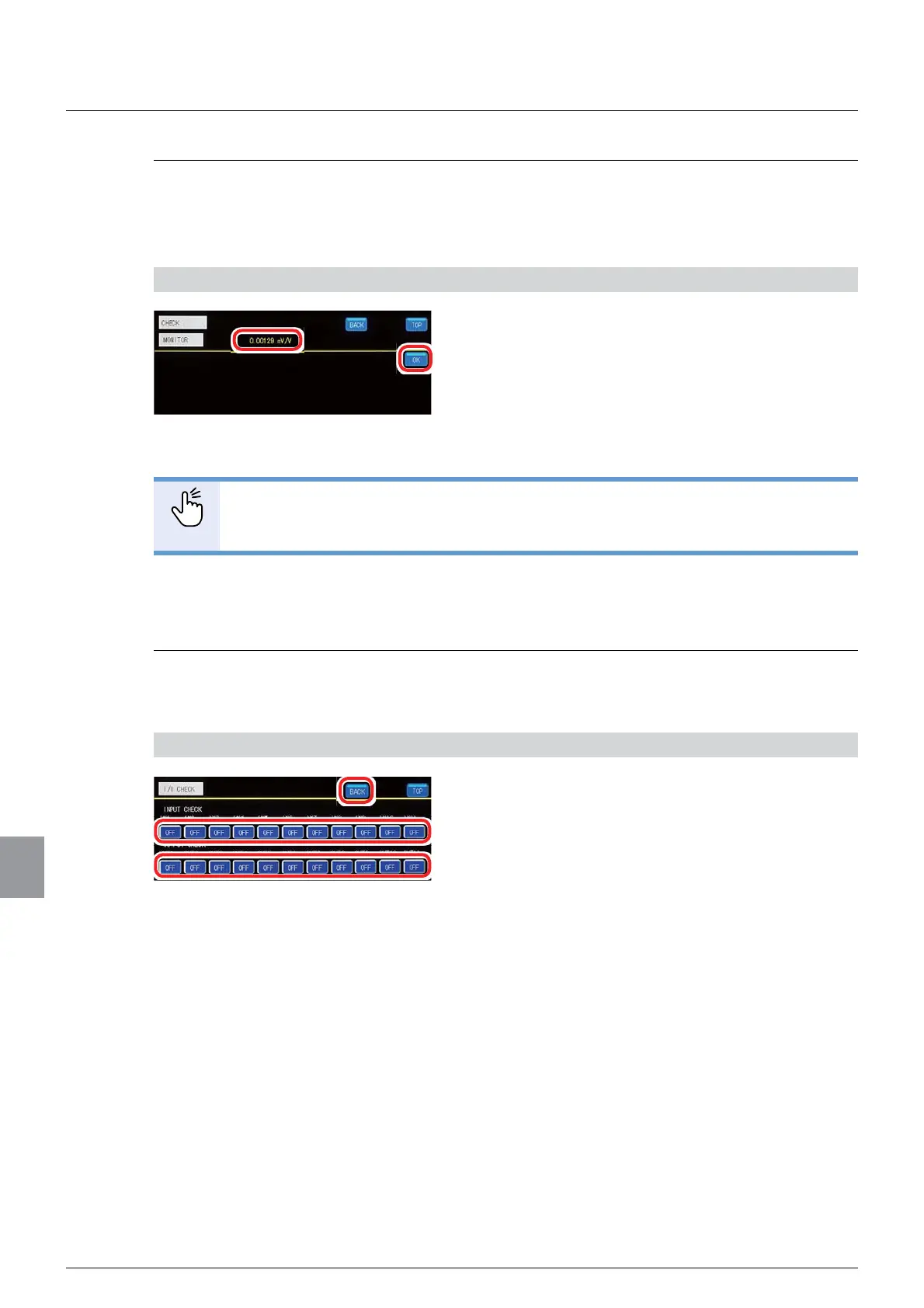
The load applied on the strain gage based transducer can be checked. The load is converted
to mV/V for display.
$W¿UVWSODFHDNQRZQZHLJKWRQWKHVWUDLQJDJHEDVHGWUDQVGXFHU
1) Check the load
1. Check the load.
Check that the load applied on the strain gage
based transducer is correctly displayed.
2. Tap [OK].
The operation check screen 1/1 will be displayed.
POINT
- The load display accuracy is approx.0.5 %. Note that this is just for reference.
- The load display range is approx. -3.1 mV/V to 3.1 mV/V.
10.2.4. External control I/O check
Whether or not the external control I/O that is wired with CSD-912B is operating properly can
be checked.
1) Check the external control I/O operation
1. Check the external control input operation.
On the external control input that is wired with CSD-
912B, perform input to check that a corresponding
display becomes [ON].
2. Check the external control output operation.
Check that, when [OUT1] to [OUT11] are tapped to
switch between ON/OFF, all corresponding external
control outputs are operating.
3. Tap [BACK].
The operation check screen 1/1 will be displayed.



 To Next Page