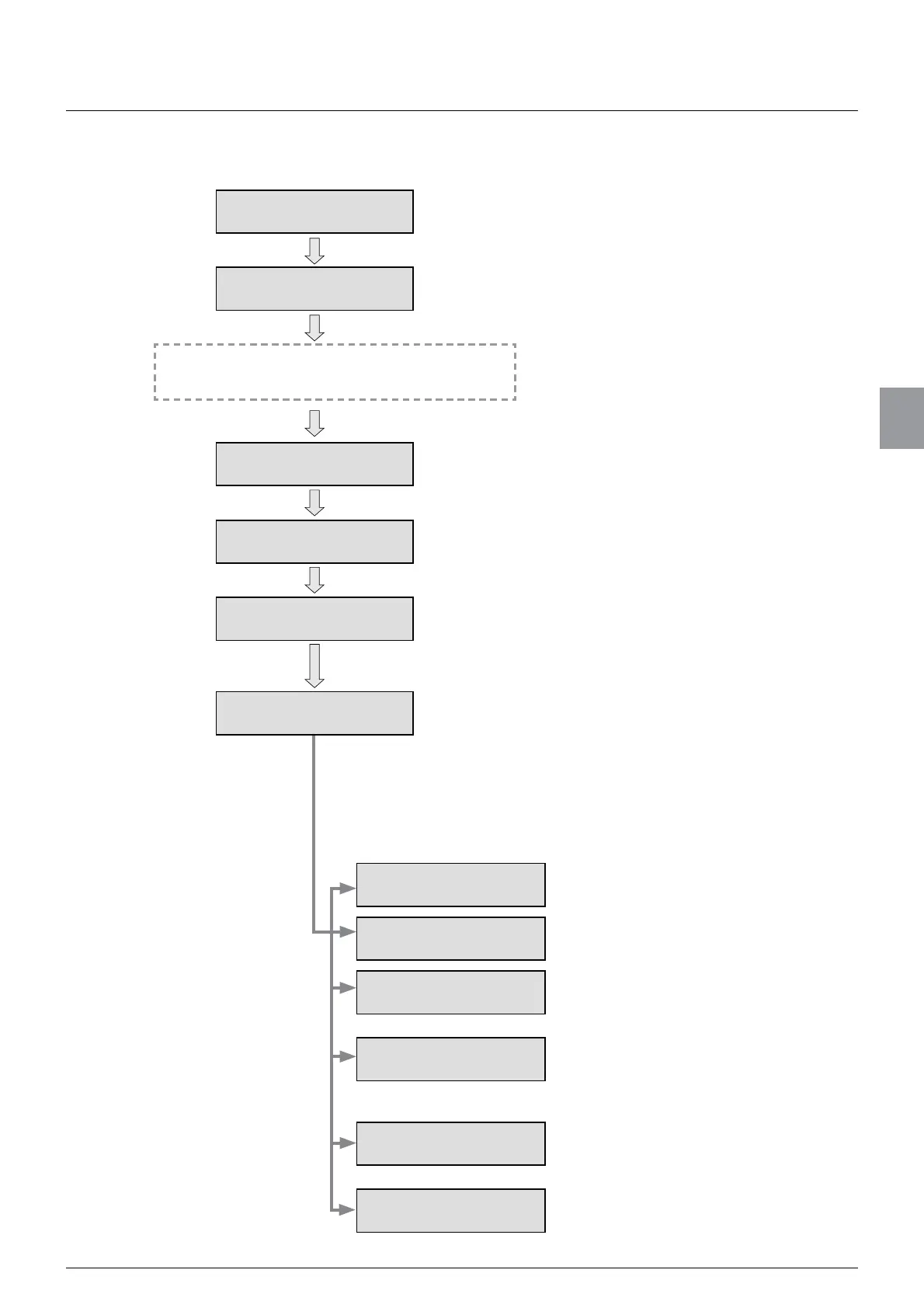
4.2.Flow of calibration
27
4
Calibration
4.2. Flow of calibration
To stabilize CSD-912B and the weighing device
(load cell), energize them for about ten minutes.
Display Calibration
screen
Display Calibration screen from Menu screen.
Set [BRIDGE POWER
SUPPLY]
Set the voltage (DC) to apply to the load cell.
Set [DIVISION]
(minimum scale interval)
Set the minimum unit of weighing values.
Set [WEIGHING
CAPACITY]
Set the maximum load that can be measured by the
weighing device (load cell).
[ZERO ADJUSTMENT]
Register the zero point of the weighing device (load cell).
Read the output value of the load cell with no load on the
weighing device (initial state including the weight of an
empty container), or set the output voltage value of the
load cell.
Register the span point of the weighing device (load cell).
Read the output value of the load cell with a weight on the
weighing device, or set the value that is calculated by
deducting the output voltage value at the zero point from
the output voltage value at the load cell’s span point.
Fine adjustment of zero
point
Finely adjust the zero point.
Fine adjustment of span
point
Finely adjust the span point.
[DIGITAL LINEARISE]
Correct the measurement errors between
the zero point and the span point.
[PITCH
CONFIRMATION SET]
Register the A/D count value of an
arbitrary load as the pitch point to
FRPSOHWHFDOLEUDWLRQDQGYHUL¿FDWLRQDW
the same time.
Gravitational acceleration
compensation
Correct span errors if the place to use
CSD-912B is different from where
calibration has been performed.
Calibration lock
Lock calibration results to prevent them
from being changed.
,I&6'%UHTXLUHVDGMXVWPHQWFRQ¿JXUHWKHIROORZLQJ
VHWWLQJVDVQHHGHGĺ$GMXVWPHQWDIWHUFDOLEUDWLRQ
[SPAN ADJUSTMENT]



 To Next Page