276
Troubleshooting
11
11.2. Error display and buzzer sound
11.2. Error display and buzzer sound
If an error occurs, detailed information about the error will be displayed on the display. Also,
pressing any key during key lock will make buzzer sound.
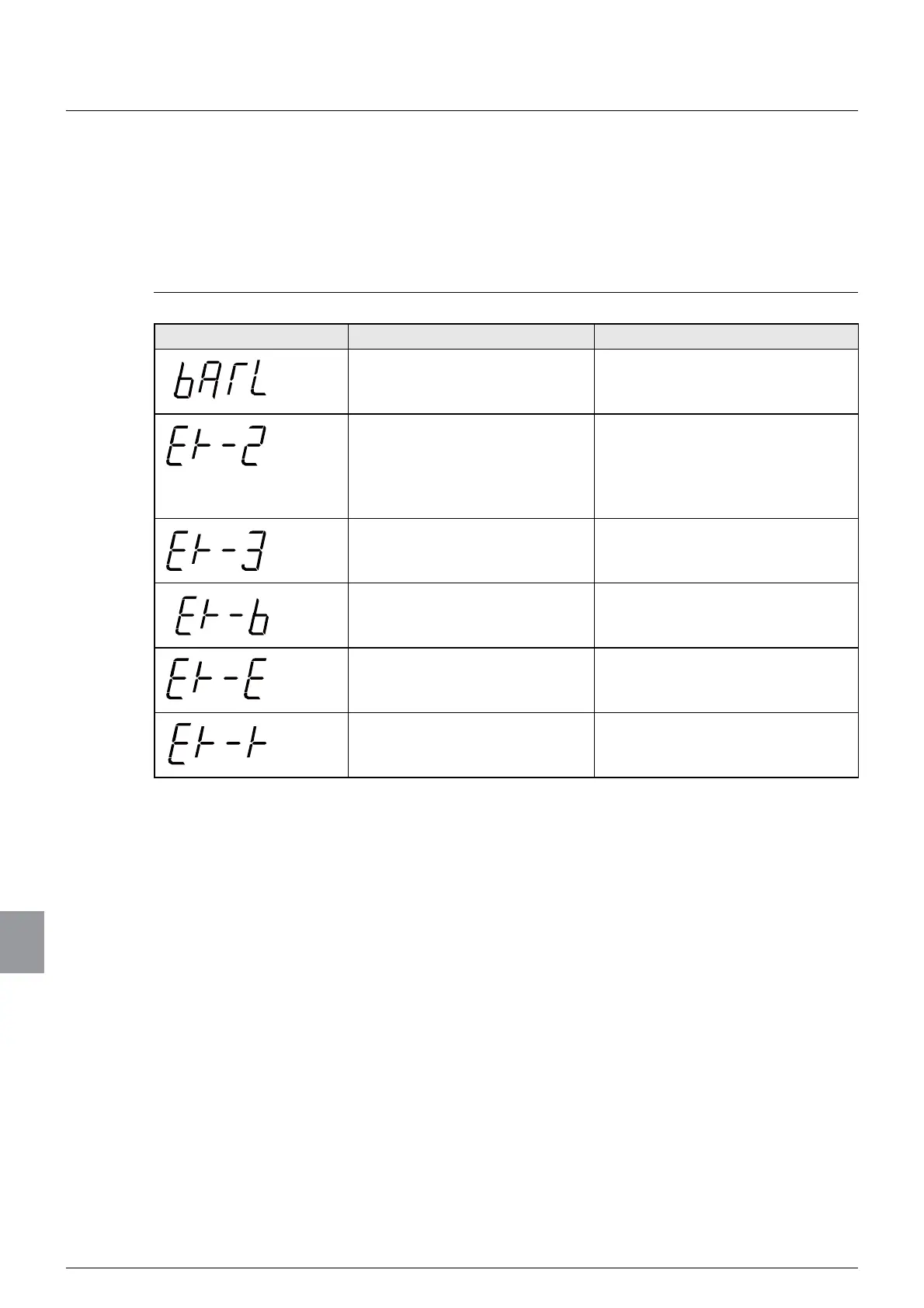
11.2.1. Error display
Error display Cause Action
The battery has been low. Contact us.
)ODVKHVIRUDSSUR[WZR
seconds when:
- A value beyond the setting
range is set at the time of
calibration.
Set a value within the setting
UDQJHĺ&DOLEUDWLRQ
An A/D conversion error has
occurred.
Contact us.
Backup data has been broken. Contact us.
EEPROM writing error has
occurred.
Contact us.
EEPROM reading error has
occurred.
Contact us.



 To Next Page