4.3.Calibration
33
4
Calibration
2. Tap [OK].
The output voltage value has been registered, and
[CALIBRATION 1/2] will be displayed.
POINT
- If you enter a numerical value outside
the allowable range, the following errors
blinks for about two seconds. Set a
numerical value within the allowable
range again.
: The input numerical value is less
than -2.5.
: The input numerical value is more
than2.5.
&RQ¿UPWKHVHWWLQJV
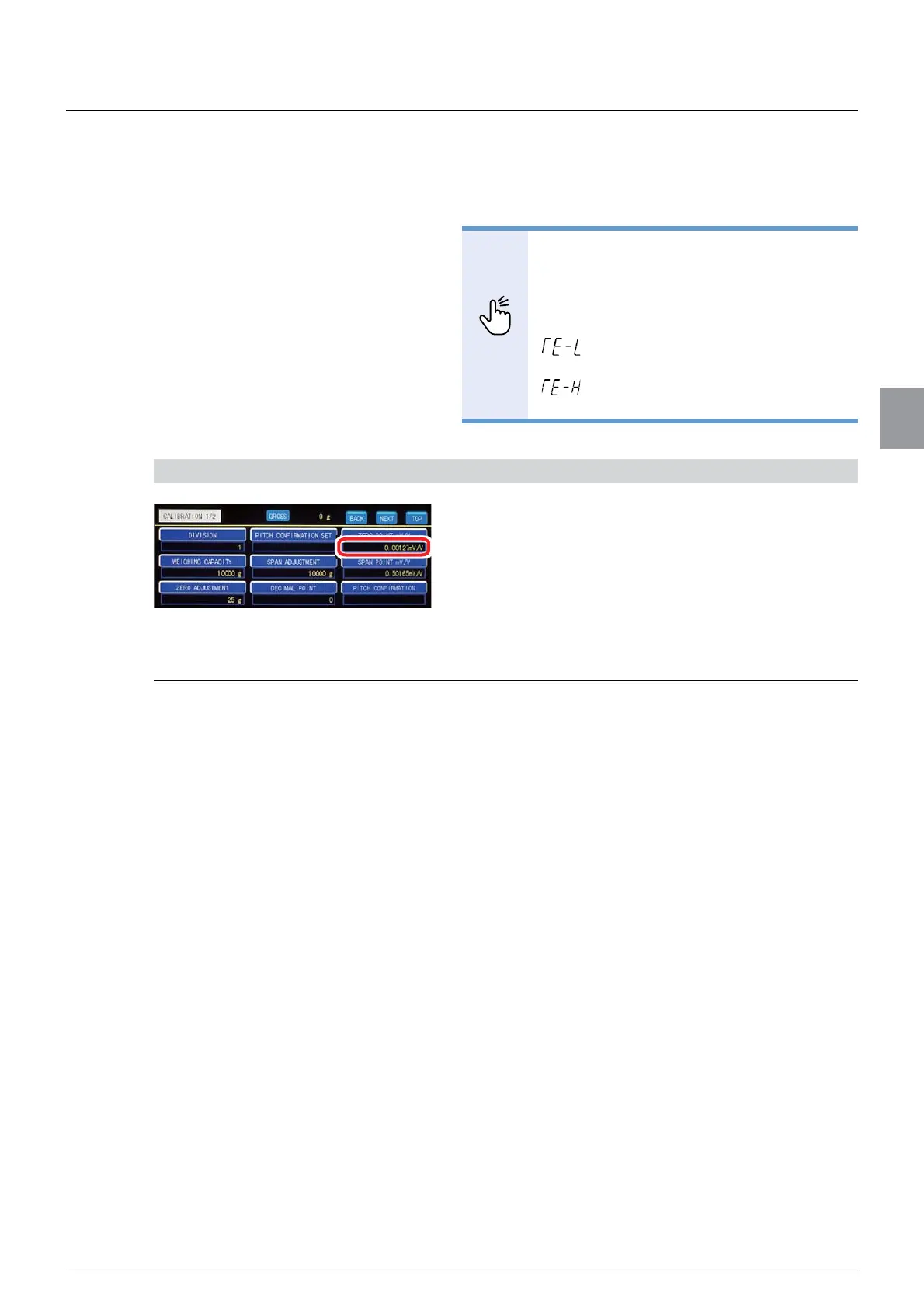
&RQ¿UPWKHYDOXHRI>=(5232,17P99@
The setting is completed if the value set by the step
2) appears under [ZERO POINT mV/V].
4.3.5. Span adjustment
Register the span point of the weighing device (load cell).
The following two methods are available for span adjustment.
- By reading the data of weights
Read the load cell output value with a weight on the weighing device to register it as the
span point.
- By entering the numerical value of the output voltage
Deduct the output voltage value at the zero point from the load cell’s output voltage value
that will be observed when the maximum load is applied. Then enter the value to register
it as the span point.
If a weight is available, perform [SPAN ADJUSTMENT] by reading the data of the weight. If a
weight is not available, perform [SPAN ADJUSTMENT] by entering the numerical value of
the output voltage.
(1) Read the data of the weight
Before [SPAN ADJUSTMENT], place a weight on the weighing device.
To reduce calibration errors, use a weight that weighs equal to or more than 2/3 of
[WEIGHING CAPACITY].



 To Next Page