3.5. Input of numerical values
21
Basic operations
3
3.5. Input of numerical values
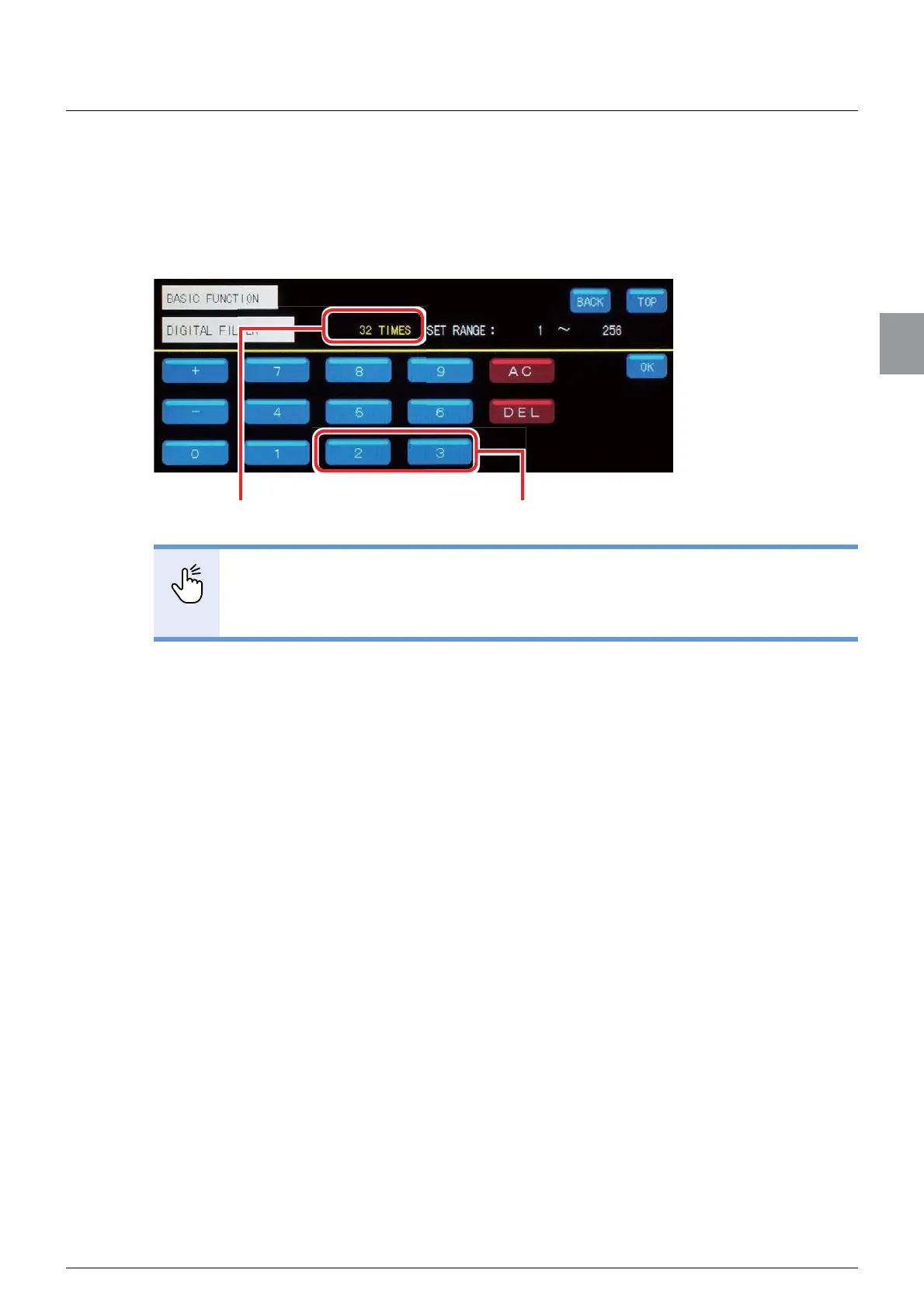
When you select an item to set numerical values, the screen to enter numerical values will be
displayed. For entry of numerical values, use the numeric keypad.
ex. ) Set [DIGITAL FILTER] to 32 times.
POINT
- Tapping the [AC] key deletes all the numerical values that have been entered.
- Tapping the [DEL] key deletes the rightmost and smallest numerical value. In the
above example, tapping the [DEL] key deletes [2] and tapping the key again
deletes [3].
7DSWKHQXPHULFNH\>@¿UVWWKHQWDS>@The entered values appear.



 To Next Page